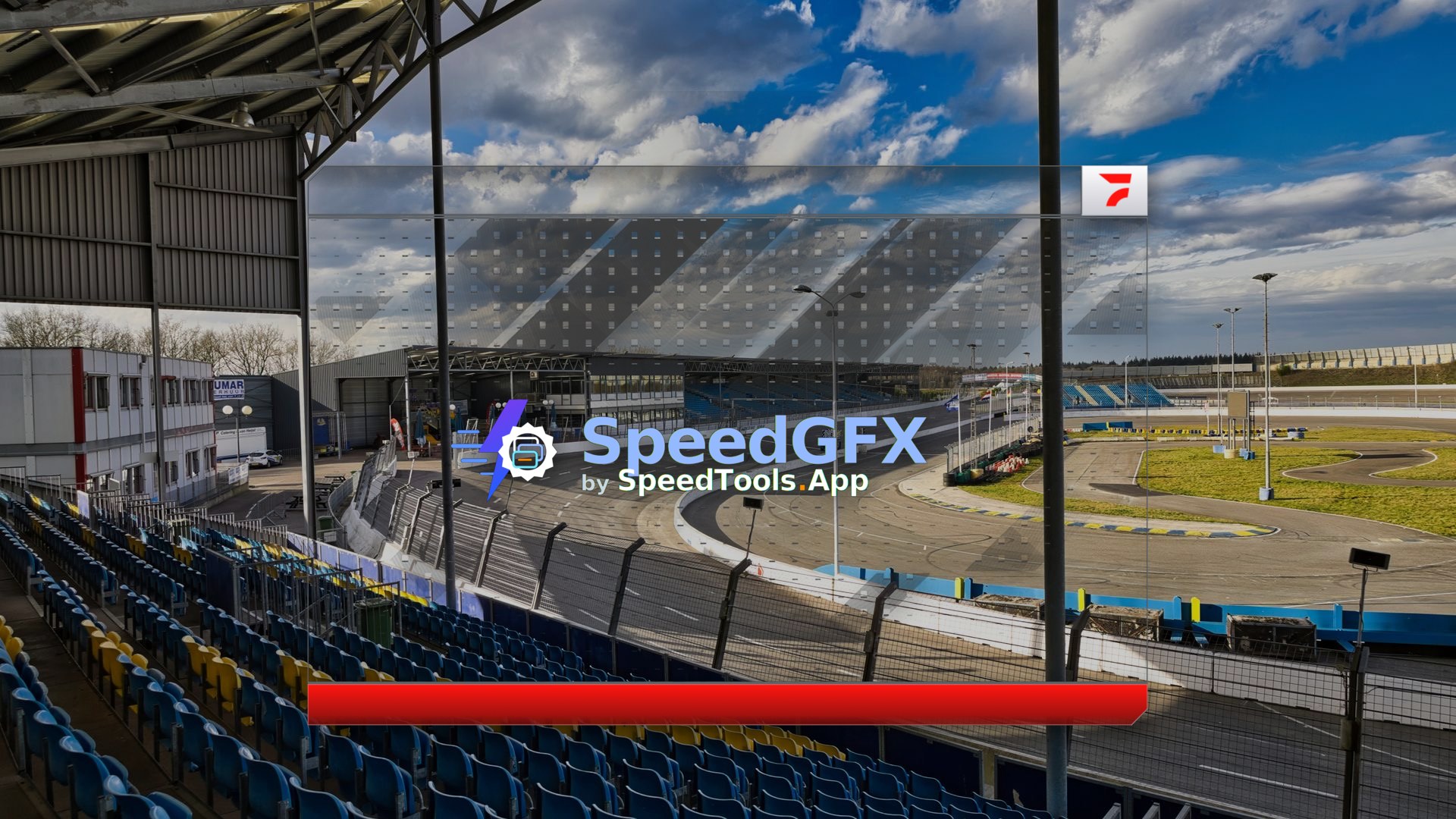
SpeedGFX by RSDLive

Race day broadcast overlays without the scramble.

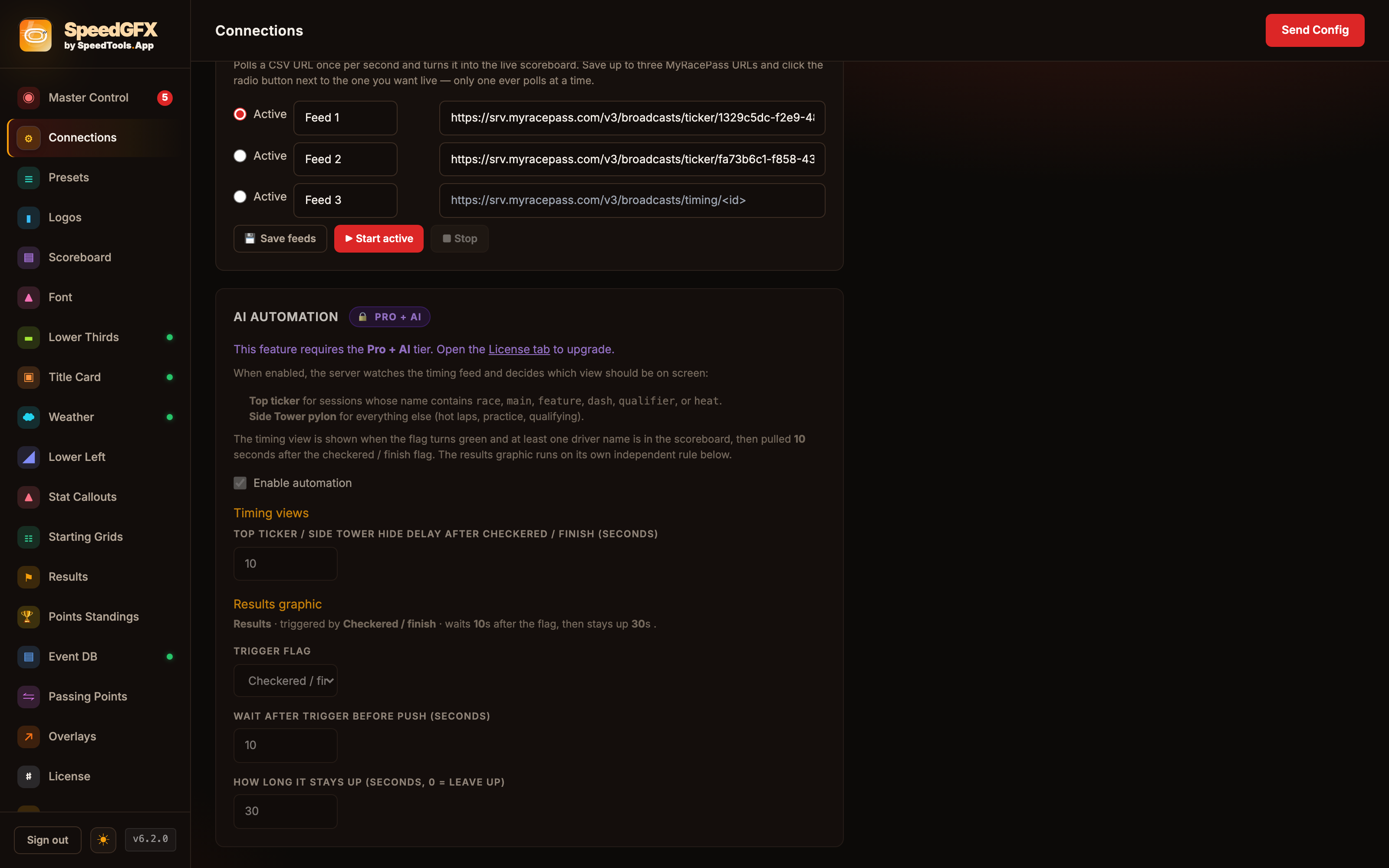
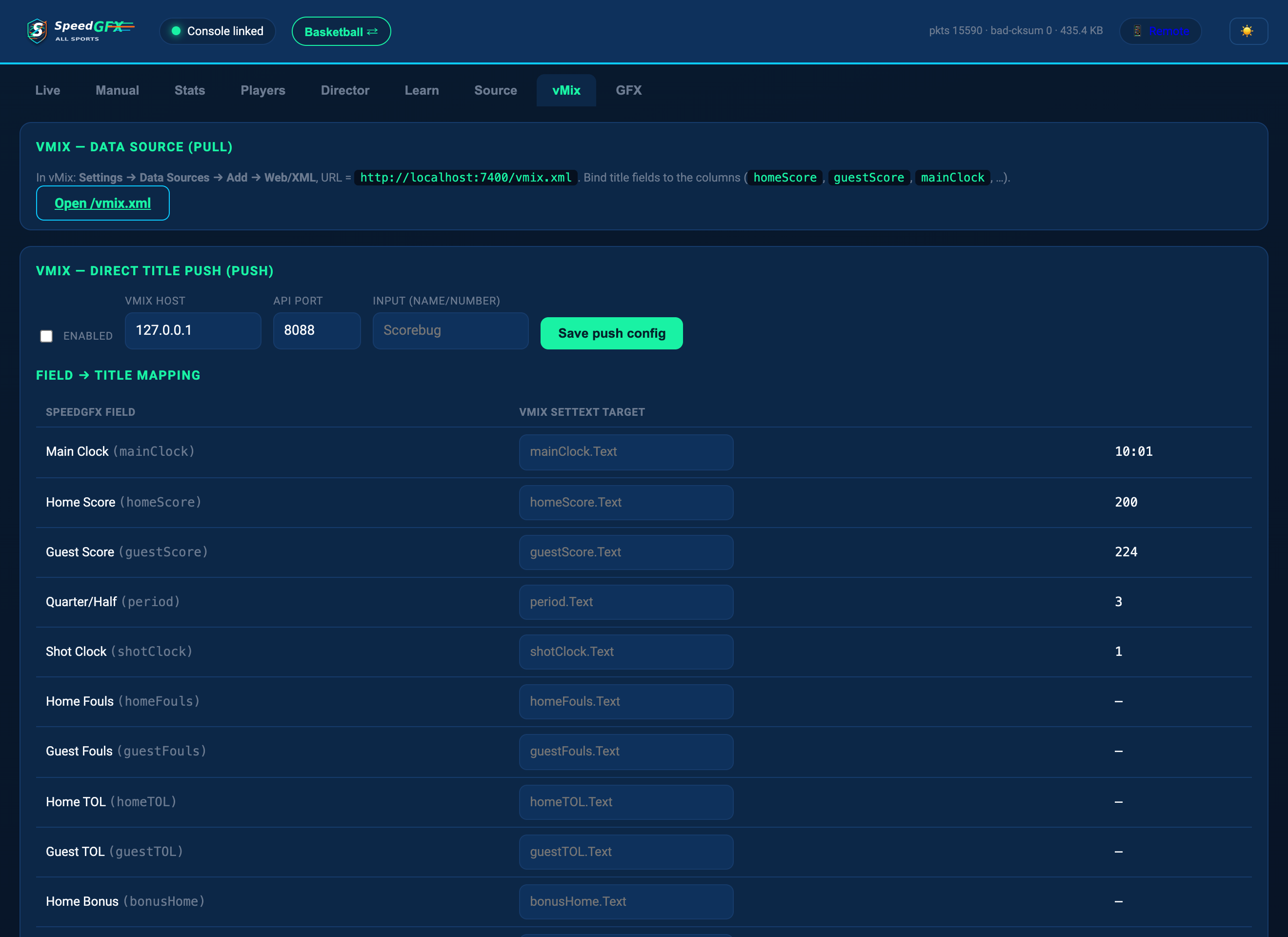
Connect timing, load your event, and put polished circle-track graphics on air through OBS or vMix browser sources.

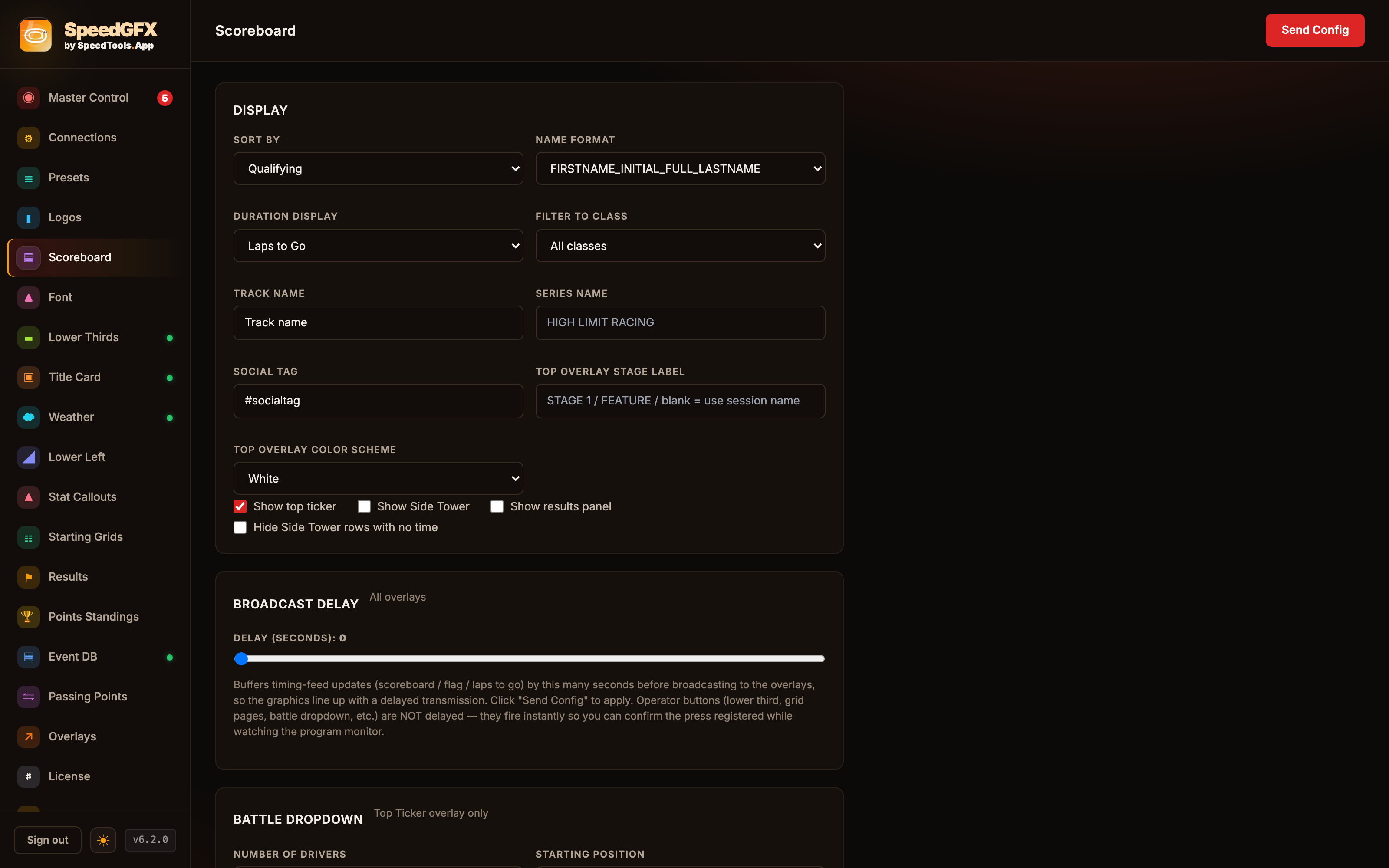
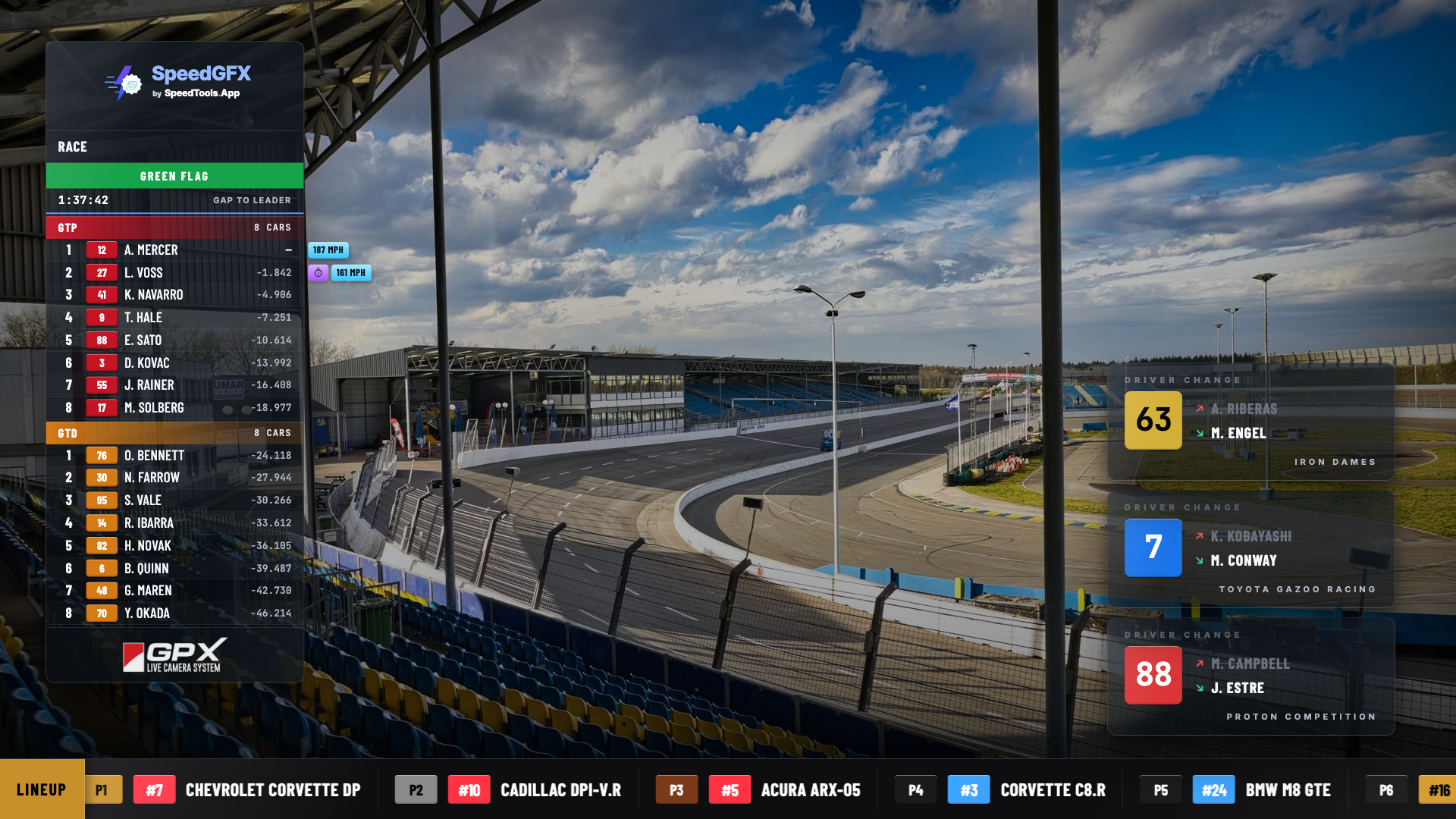
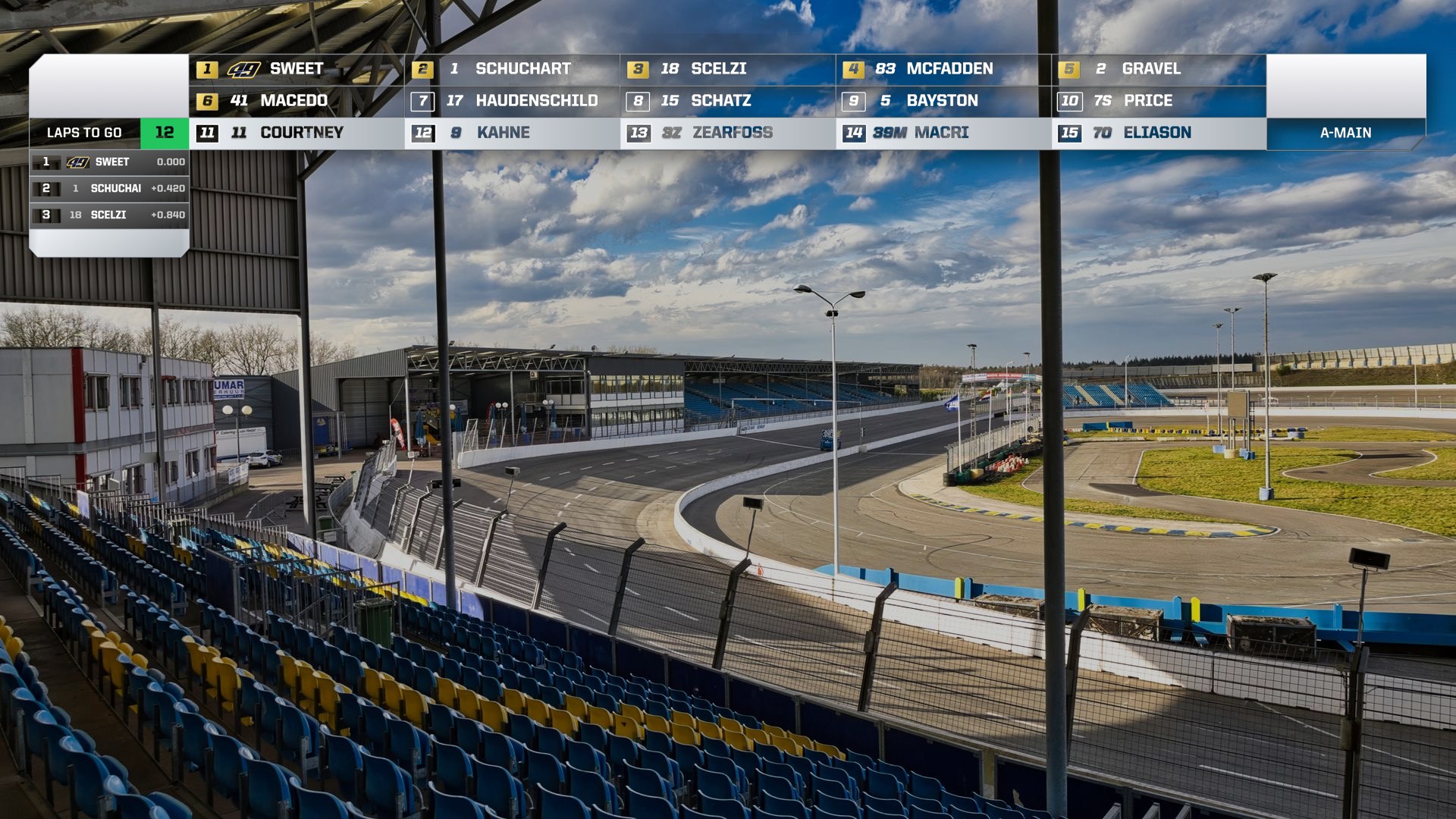
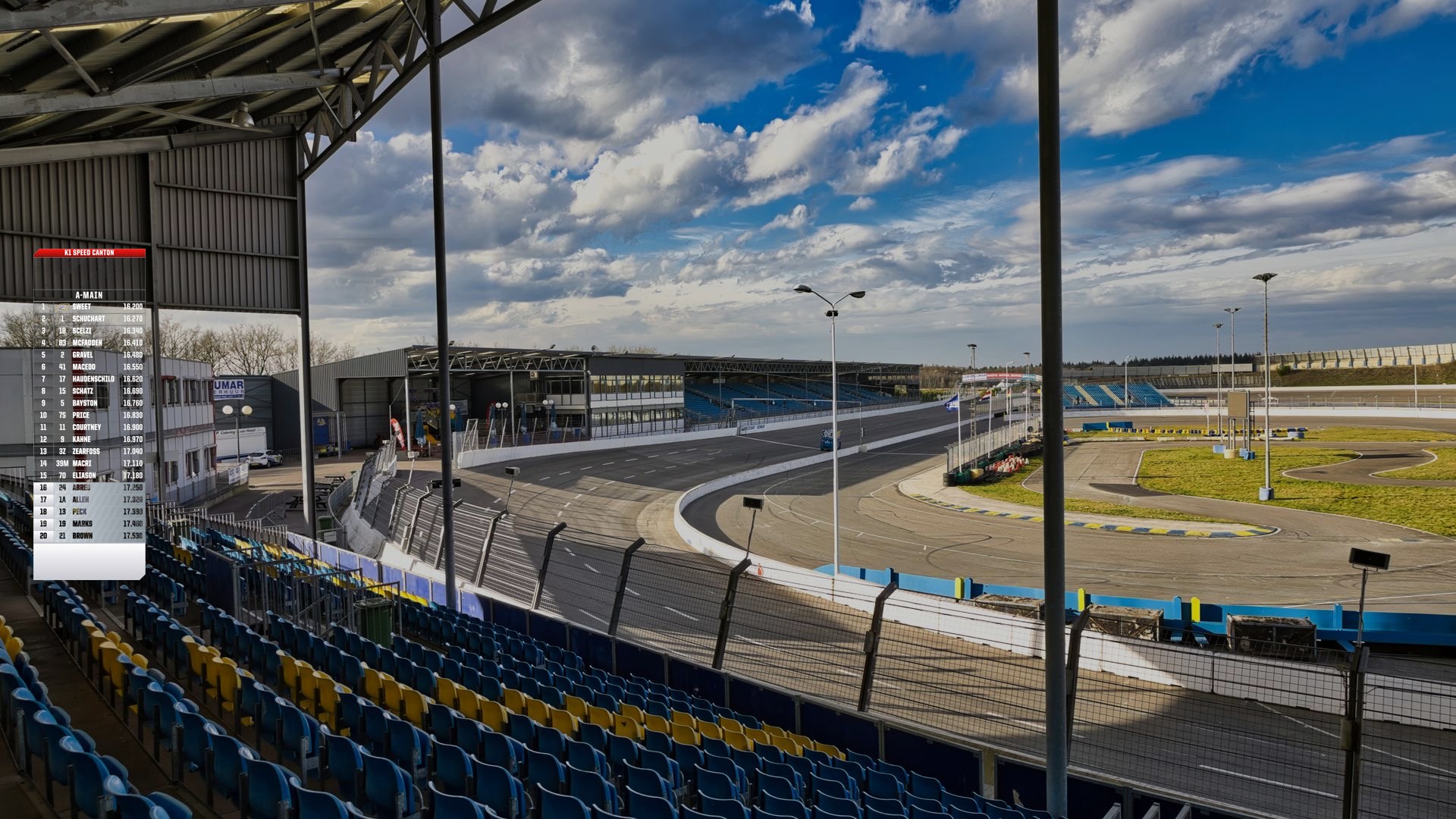
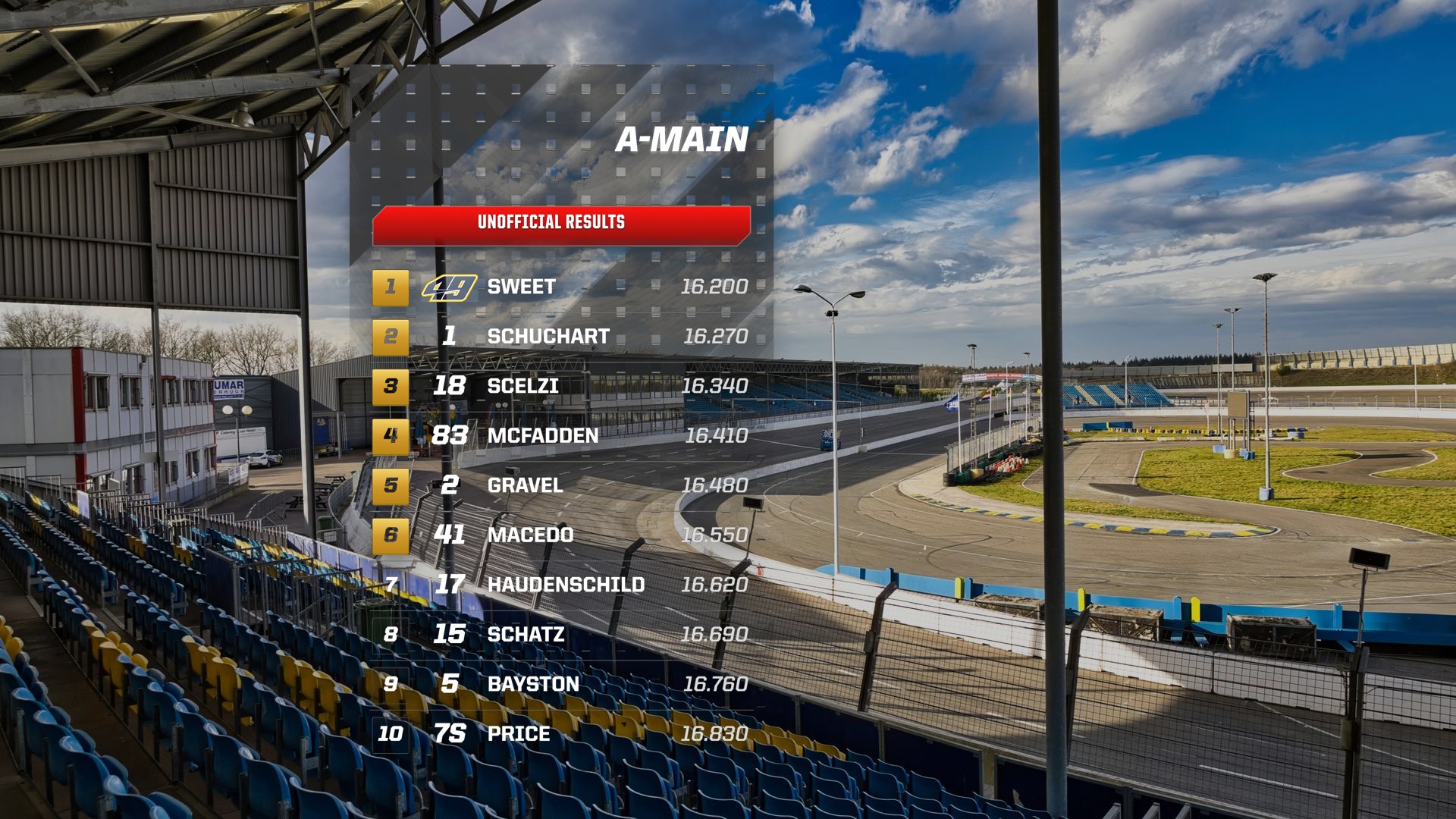
Top Timing GraphicsSide Timing TowerStarting GridResults
SpeedGFX Race Day Broadcast Overlays
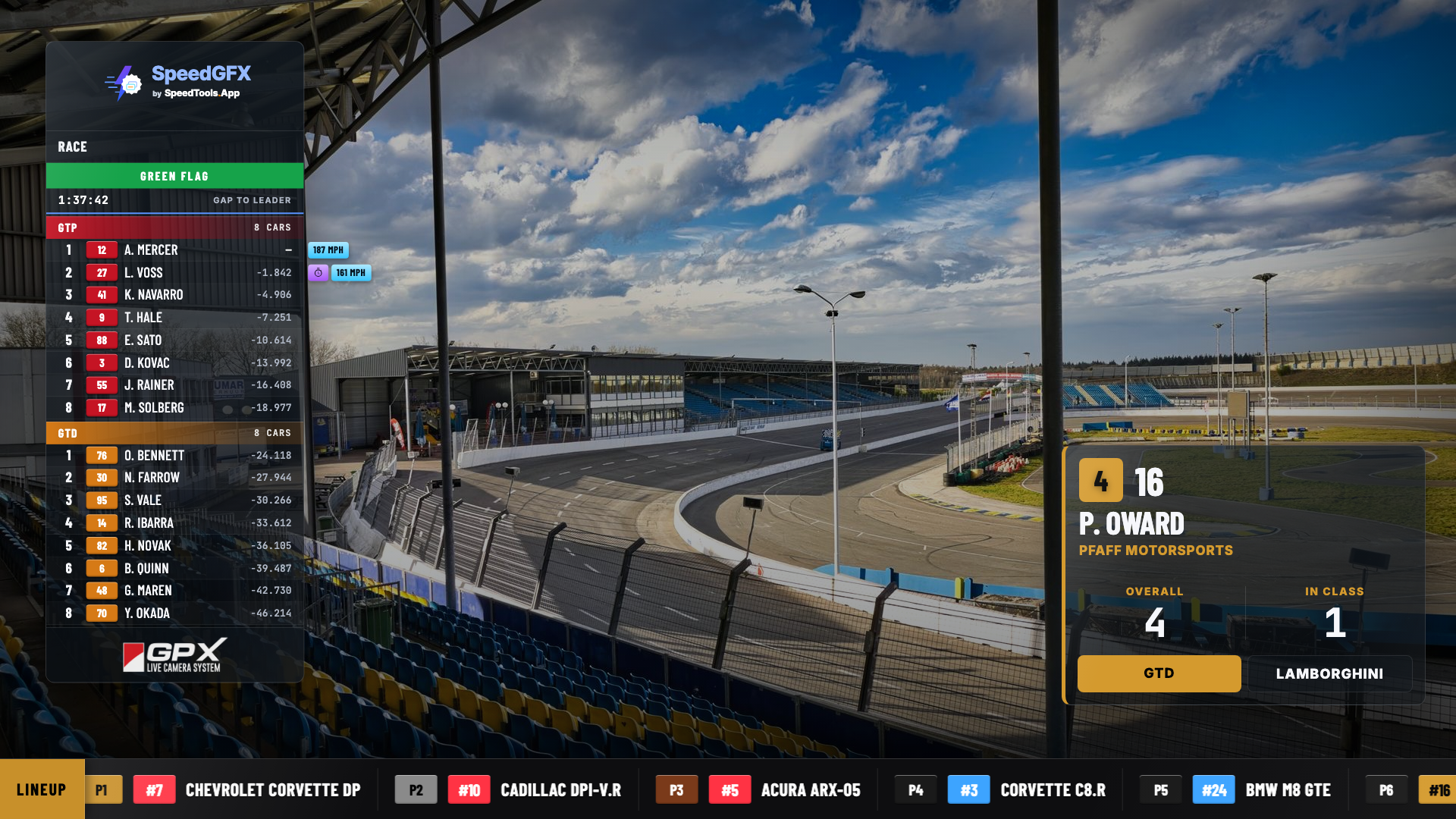
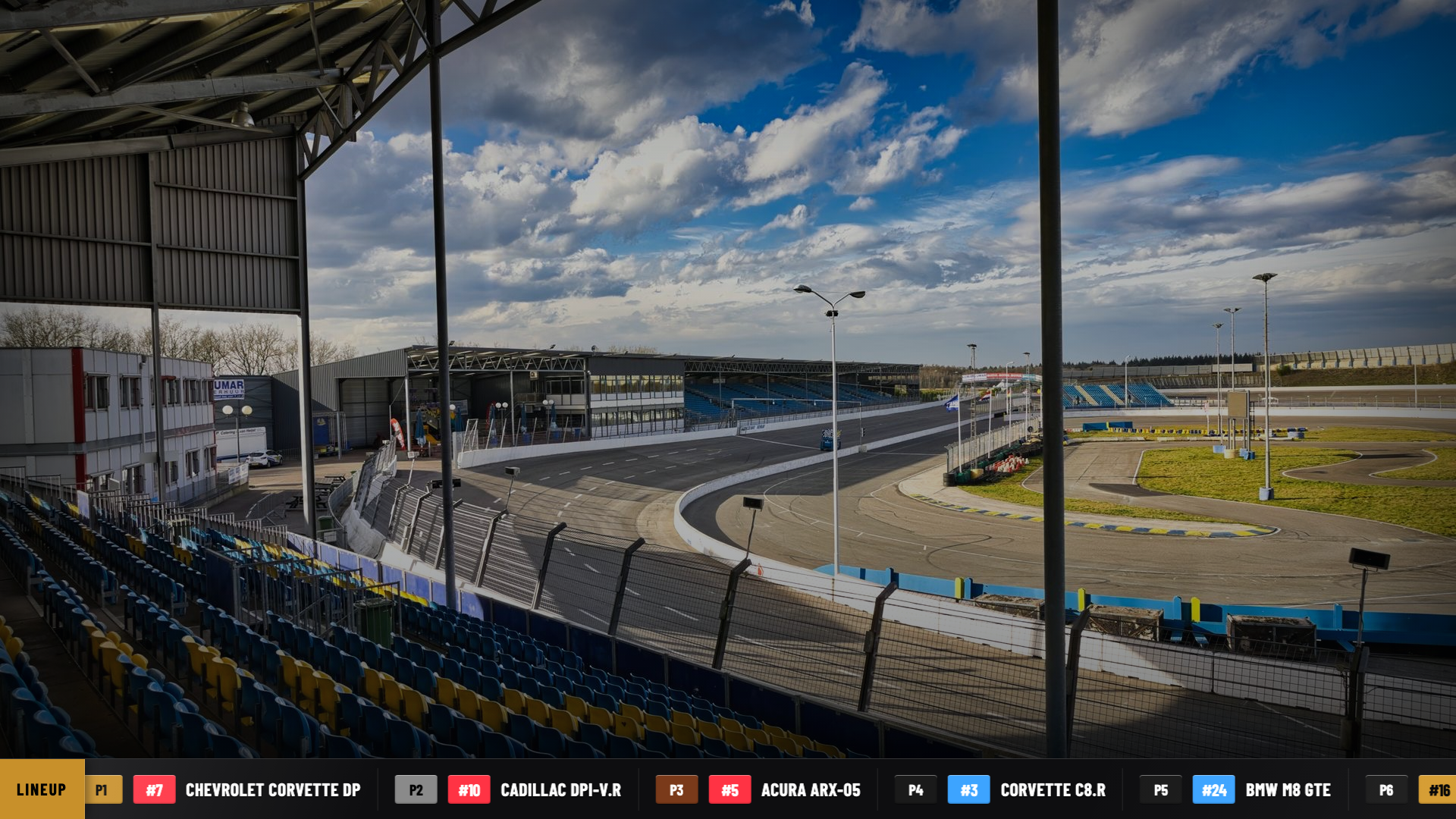
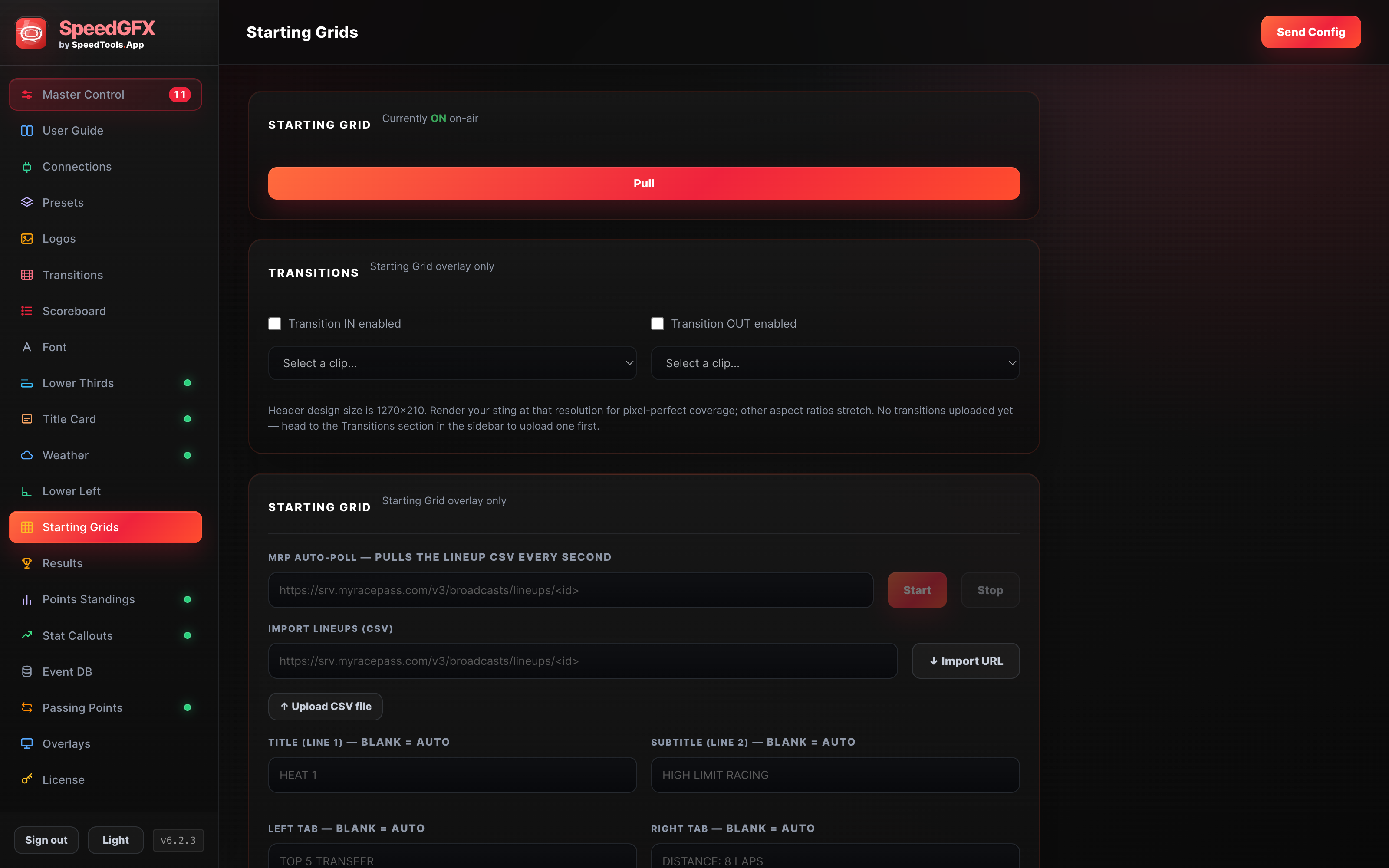
SpeedGFX starting grid overlay with heat race lineup
Starting Grid · Pro overlay
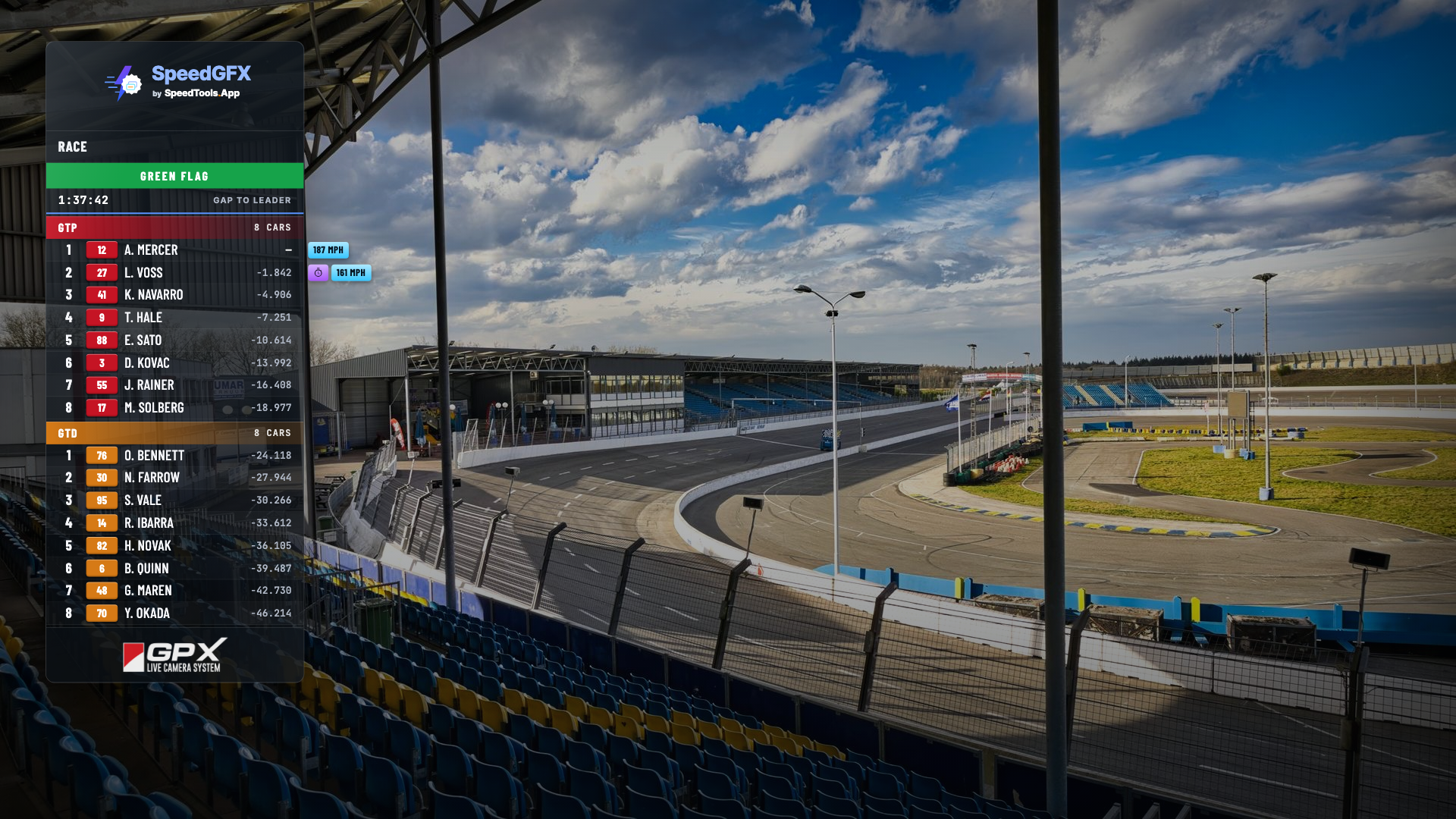
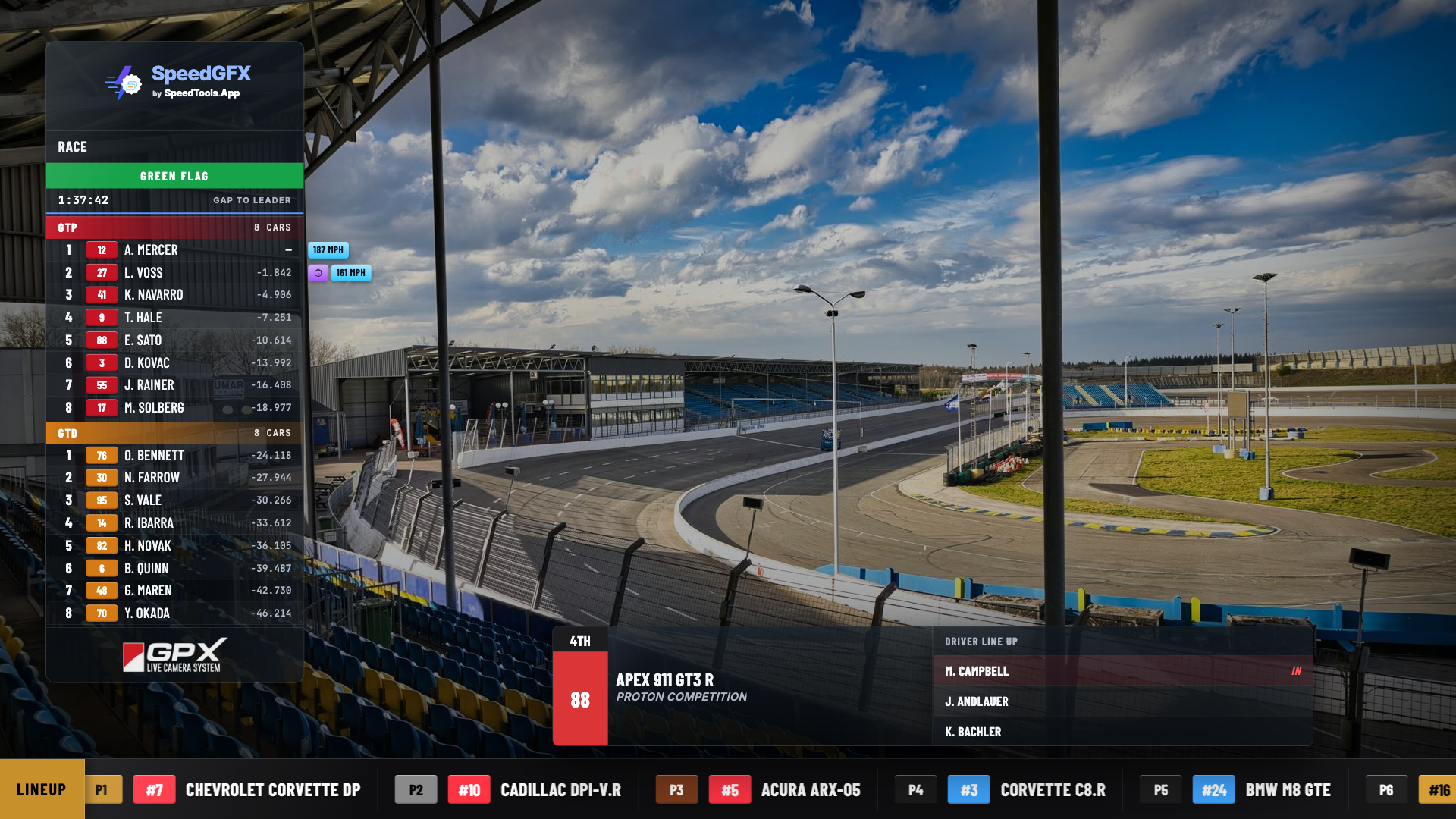
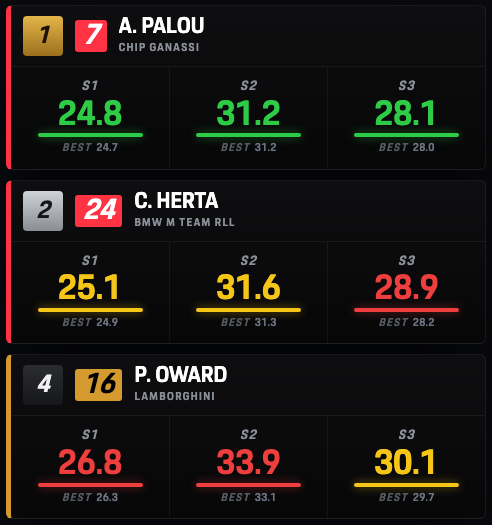
SpeedGFX Side Timing Tower qualifying overlay
Side Timing Tower
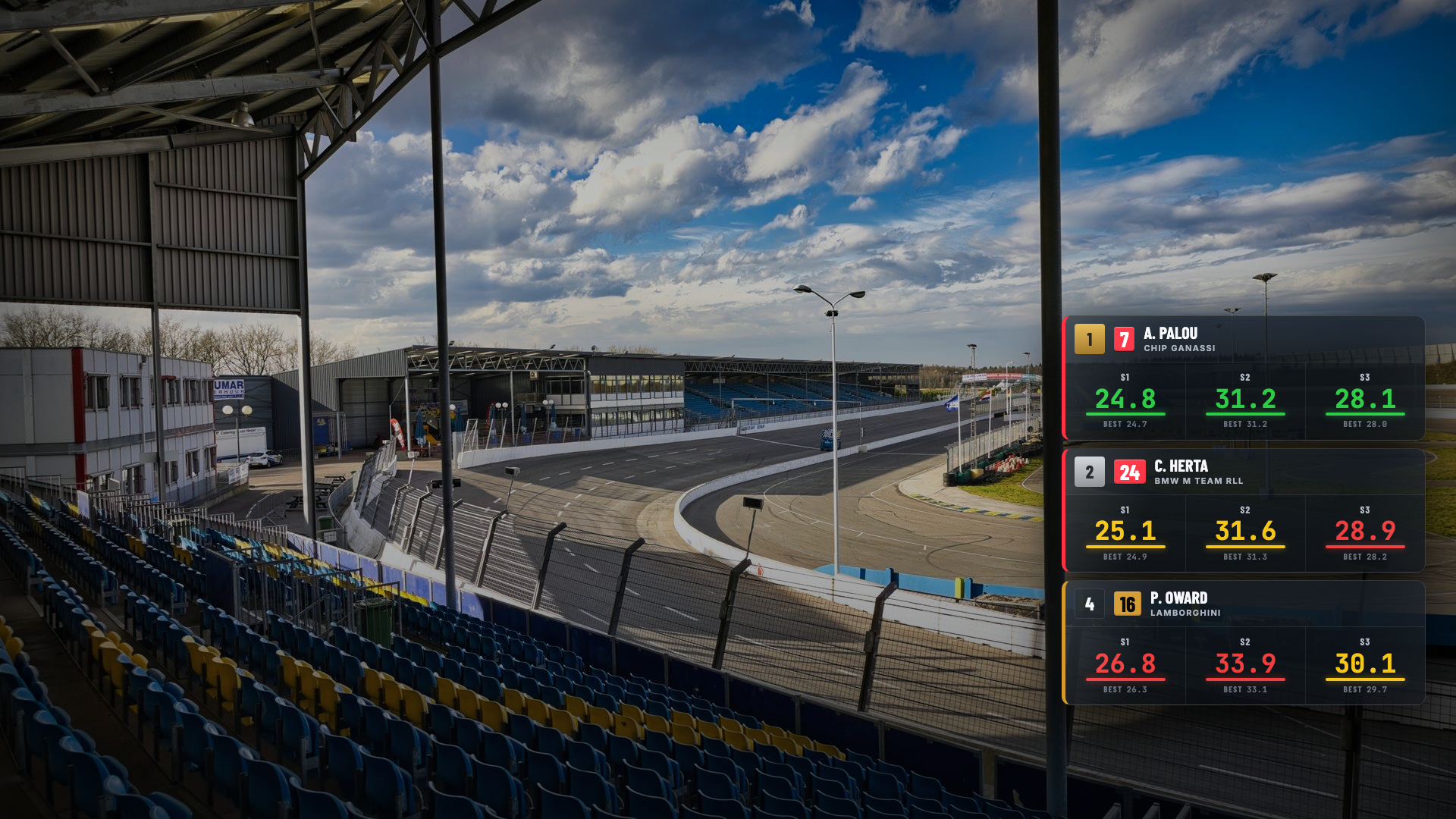
SpeedGFX Top Timing Graphics overlay
Top Timing Graphics
Real product screenshots · OBS / vMix browser-source graphics

What it handles

A cleaner workflow from hot laps to victory lane.

Live timing

Connect once. Keep the show moving.

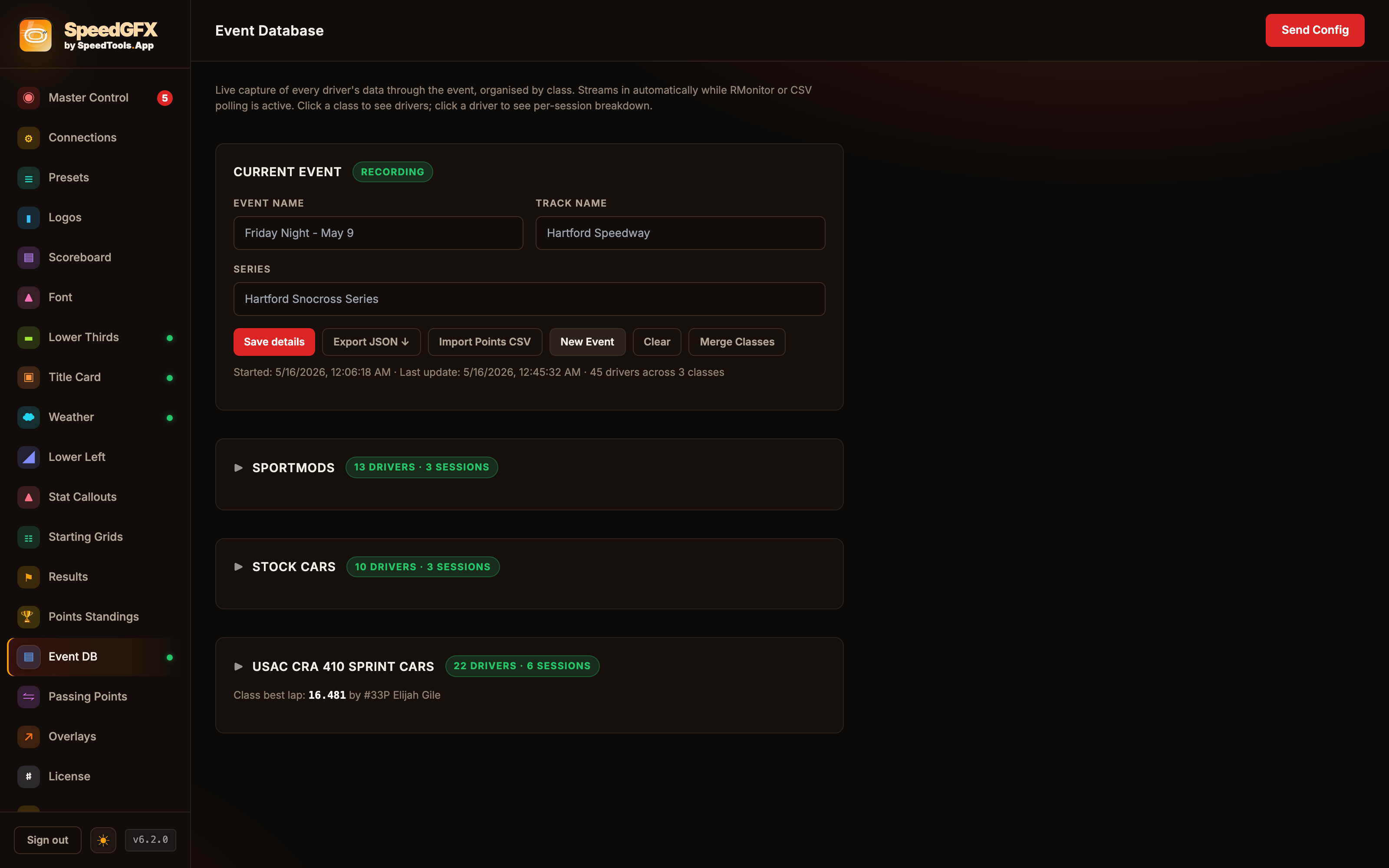
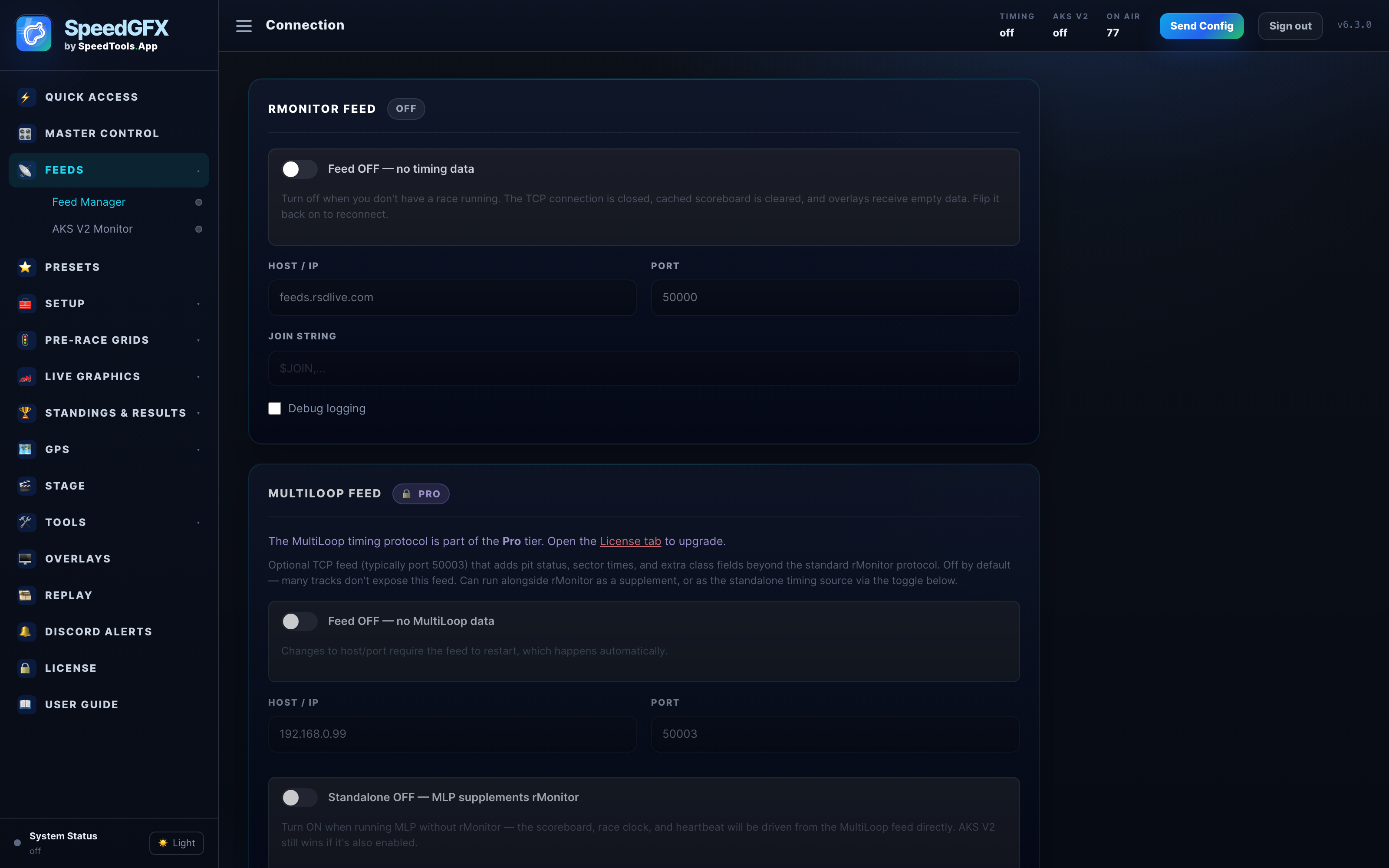
Feed SpeedGFX from RMonitor or Live Timing CSV sources, then drive positions, gaps, lap counts, and flag-aware graphics automatically.

On-air package

All the graphics customers ask for.

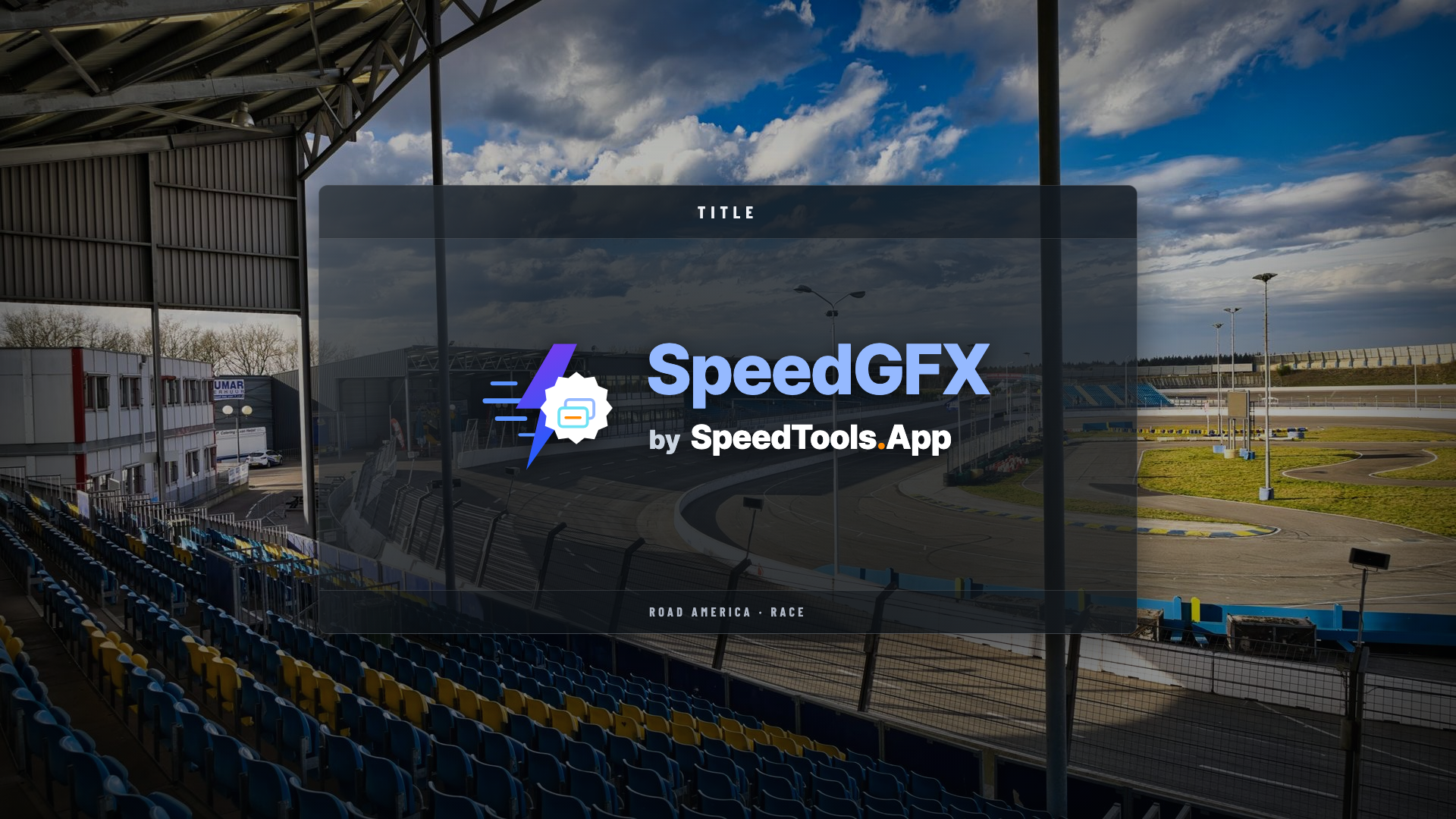
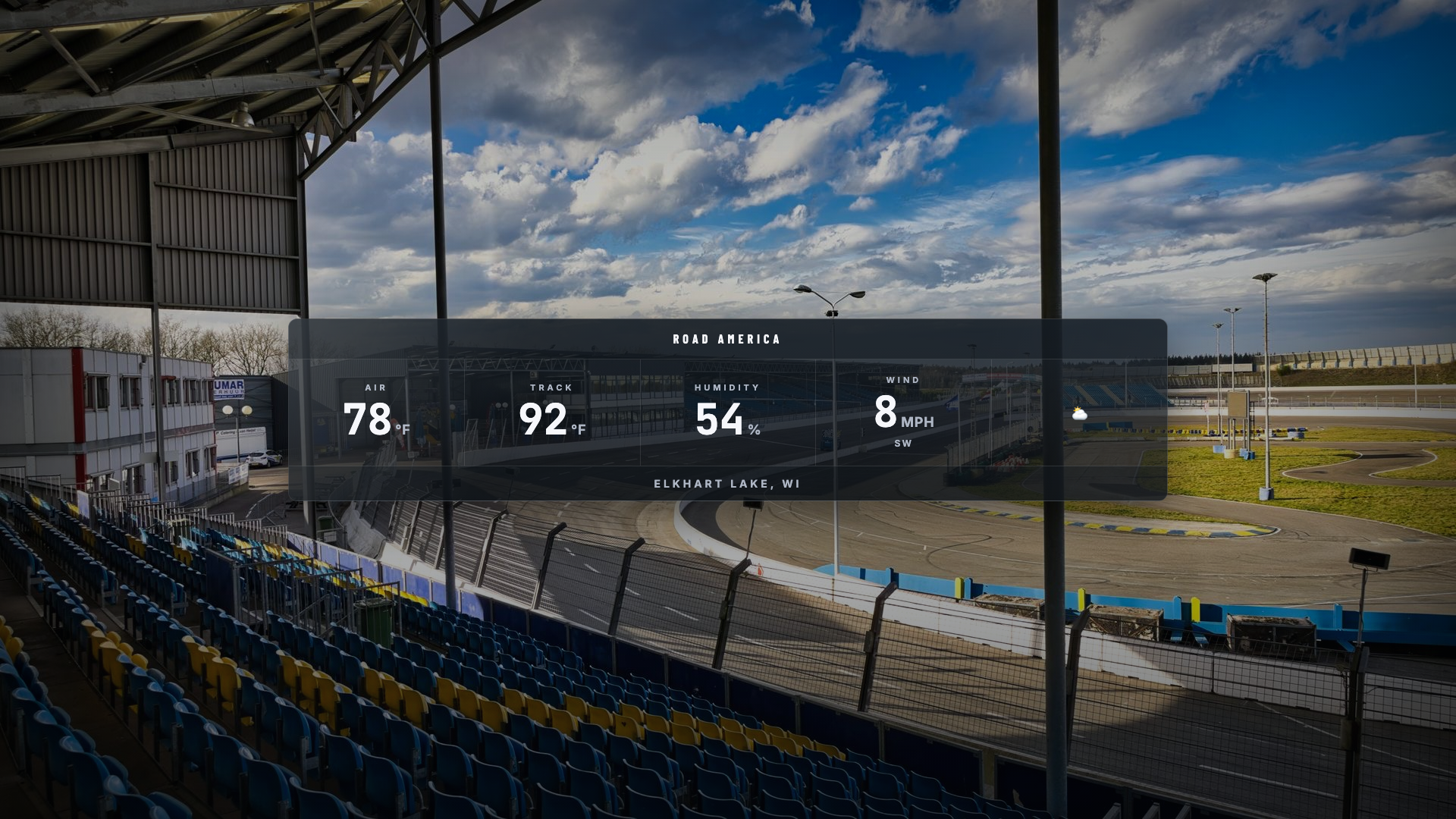
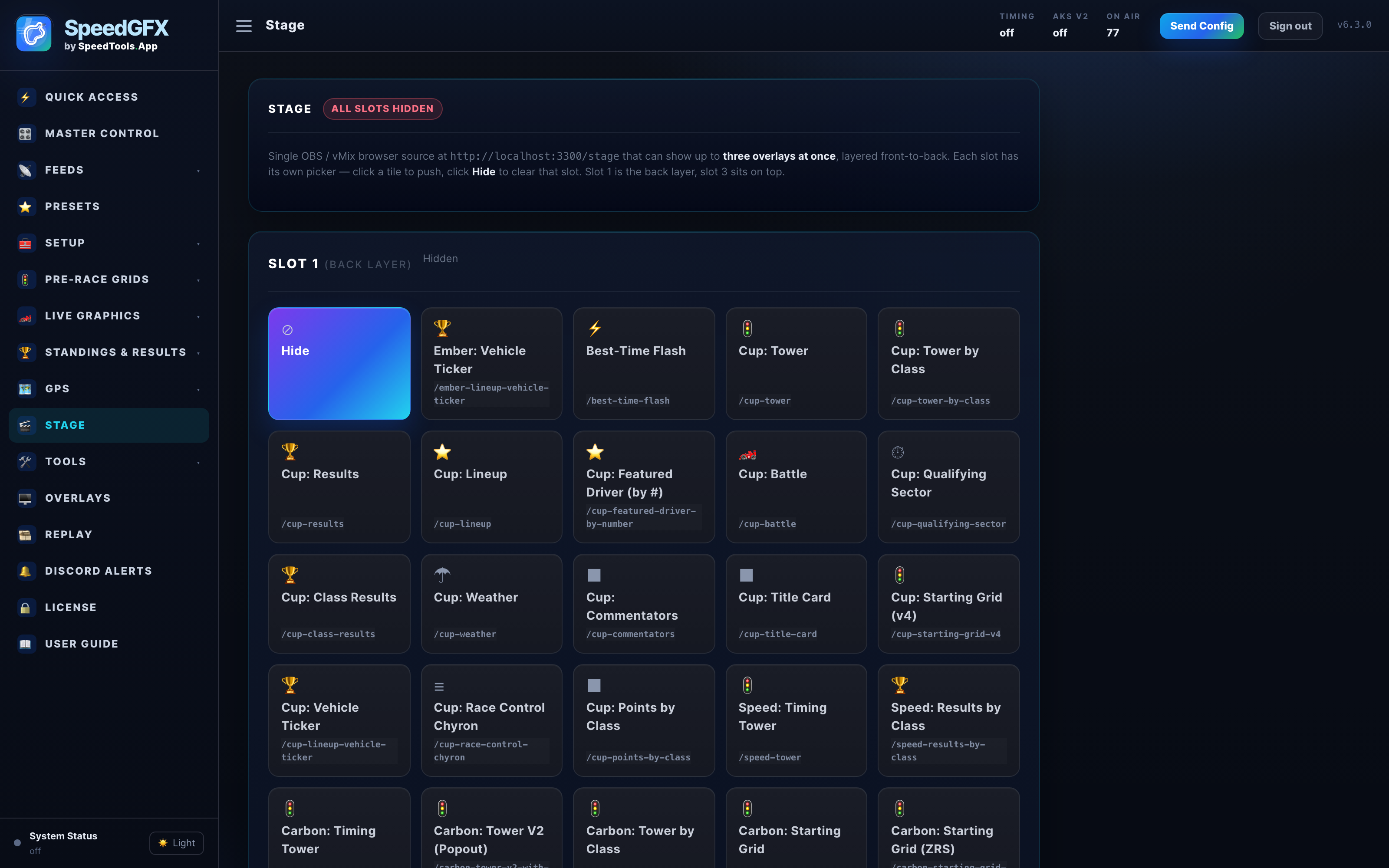
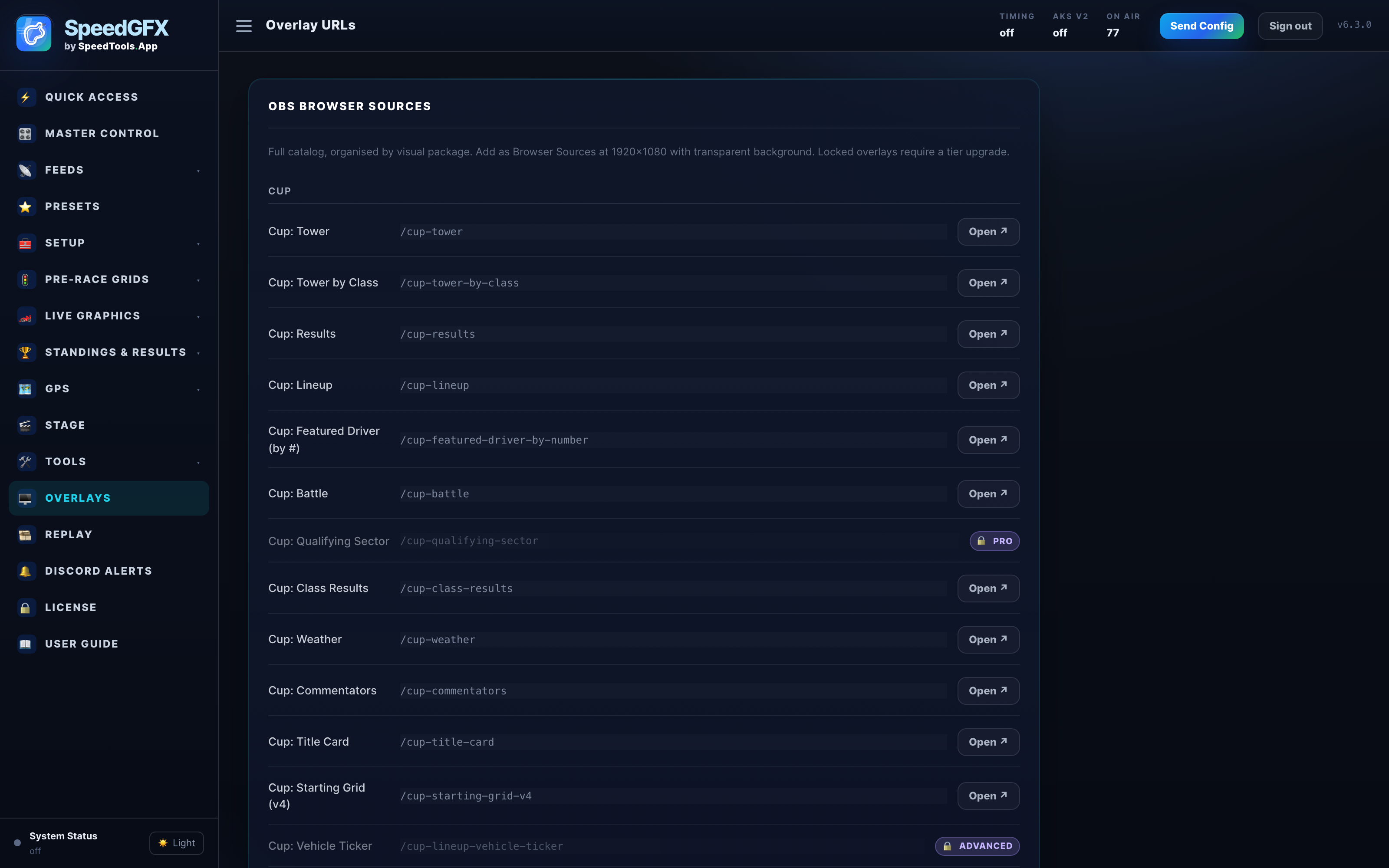
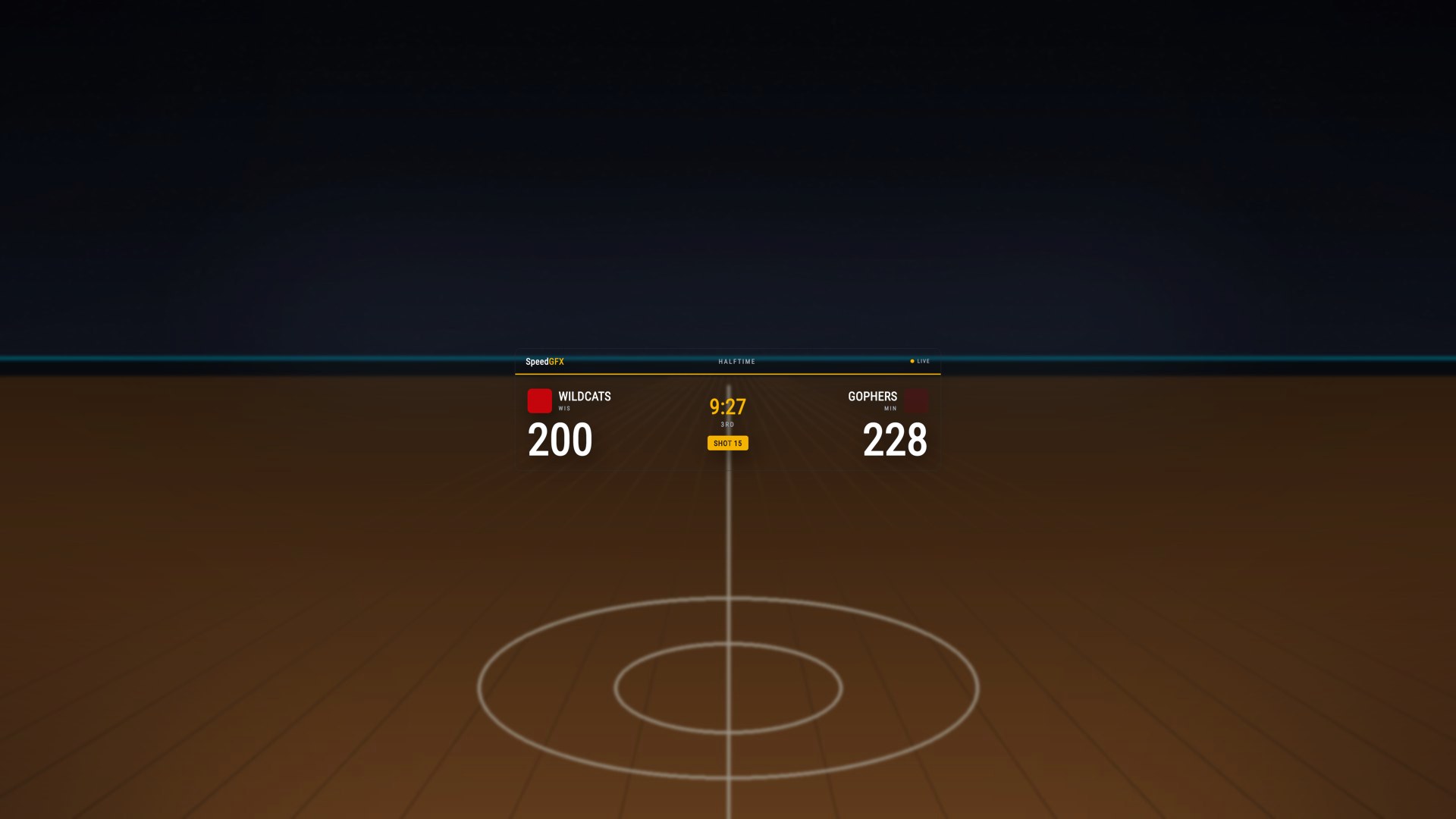
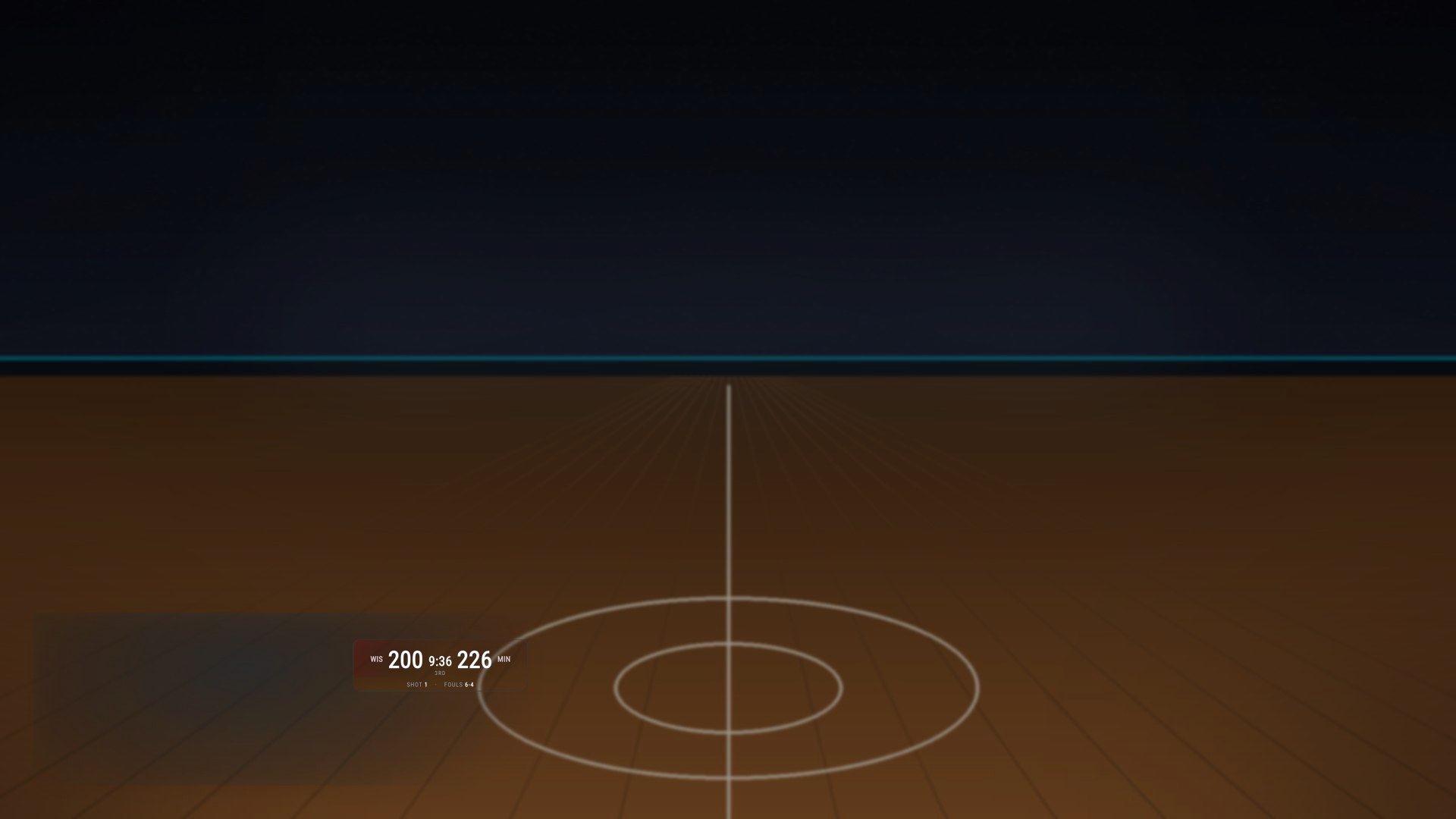
Top Timing Graphics, Side Timing Tower, Starting Grid, Results, Lower Thirds, Title Cards, Weather, and Info Box overlays are organized for race-night use.

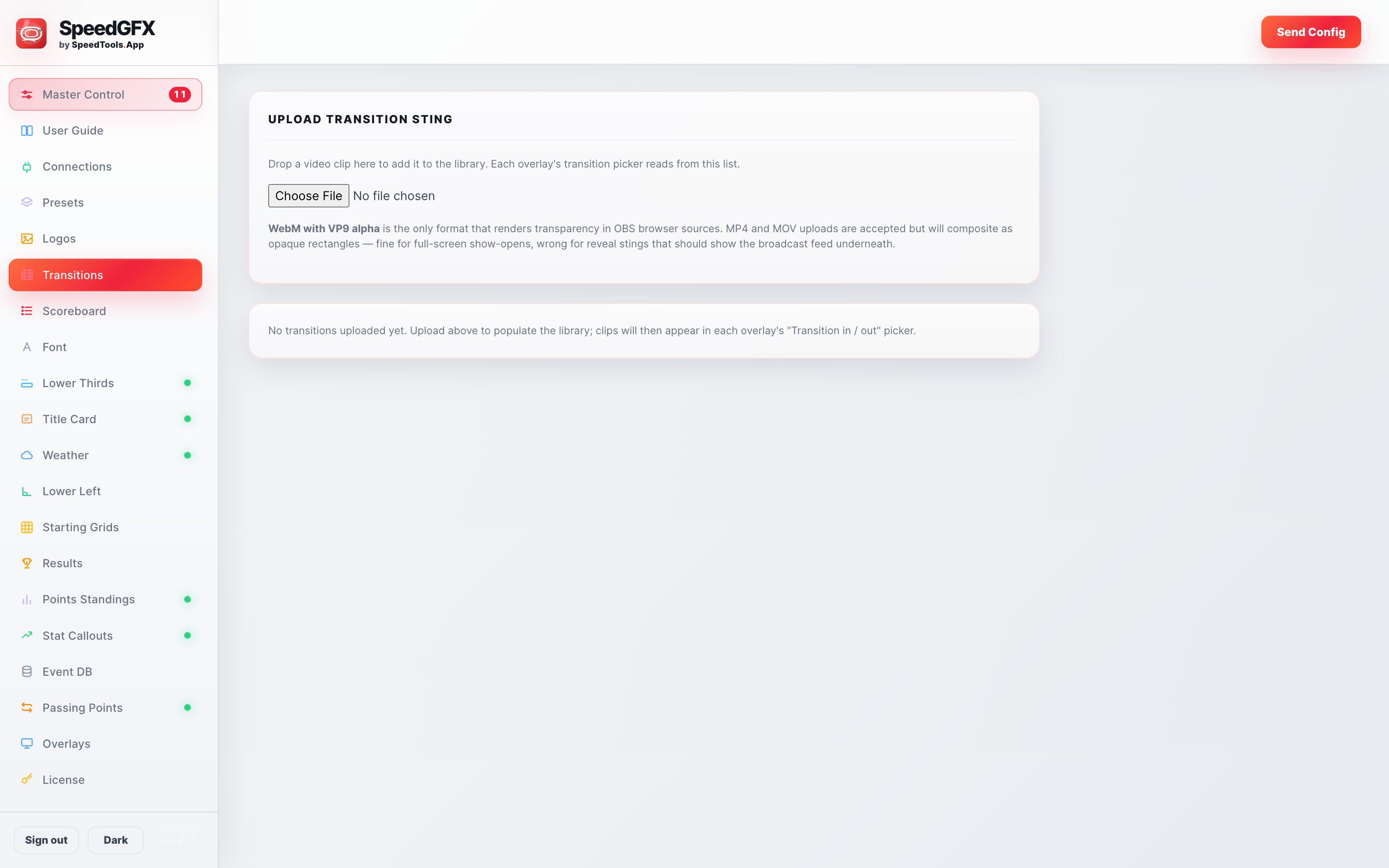
Operator control

Built for fast decisions in the booth.

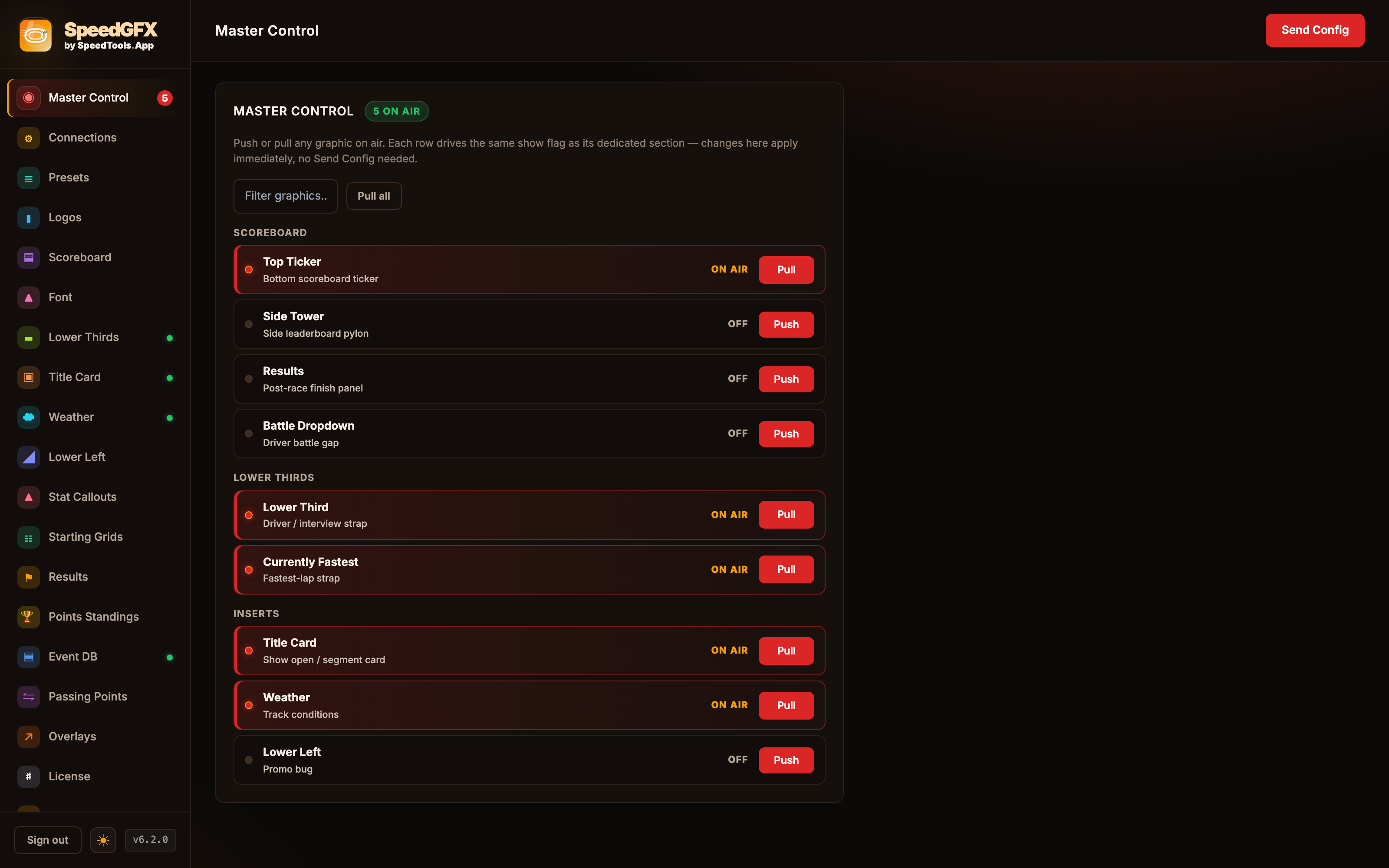
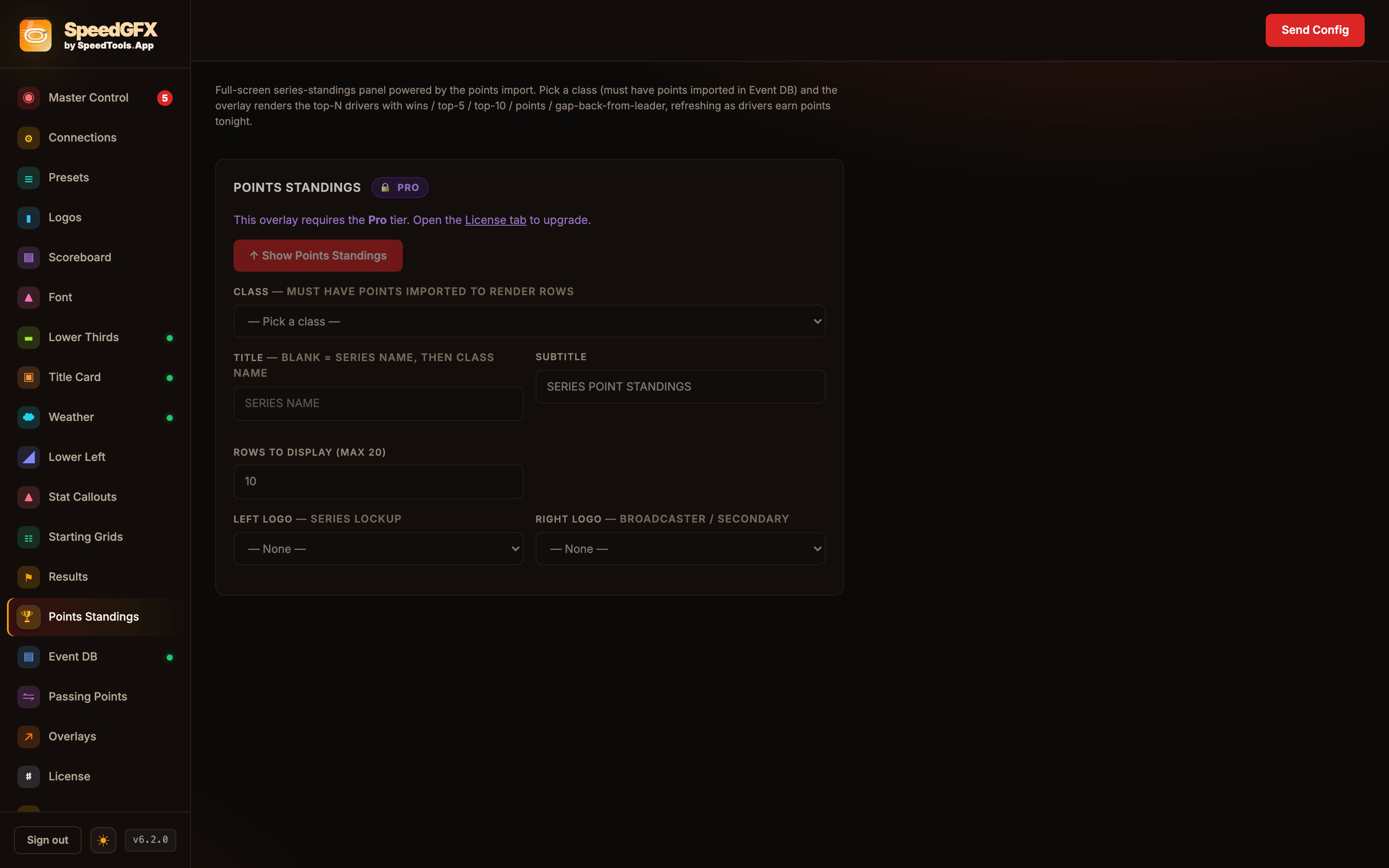
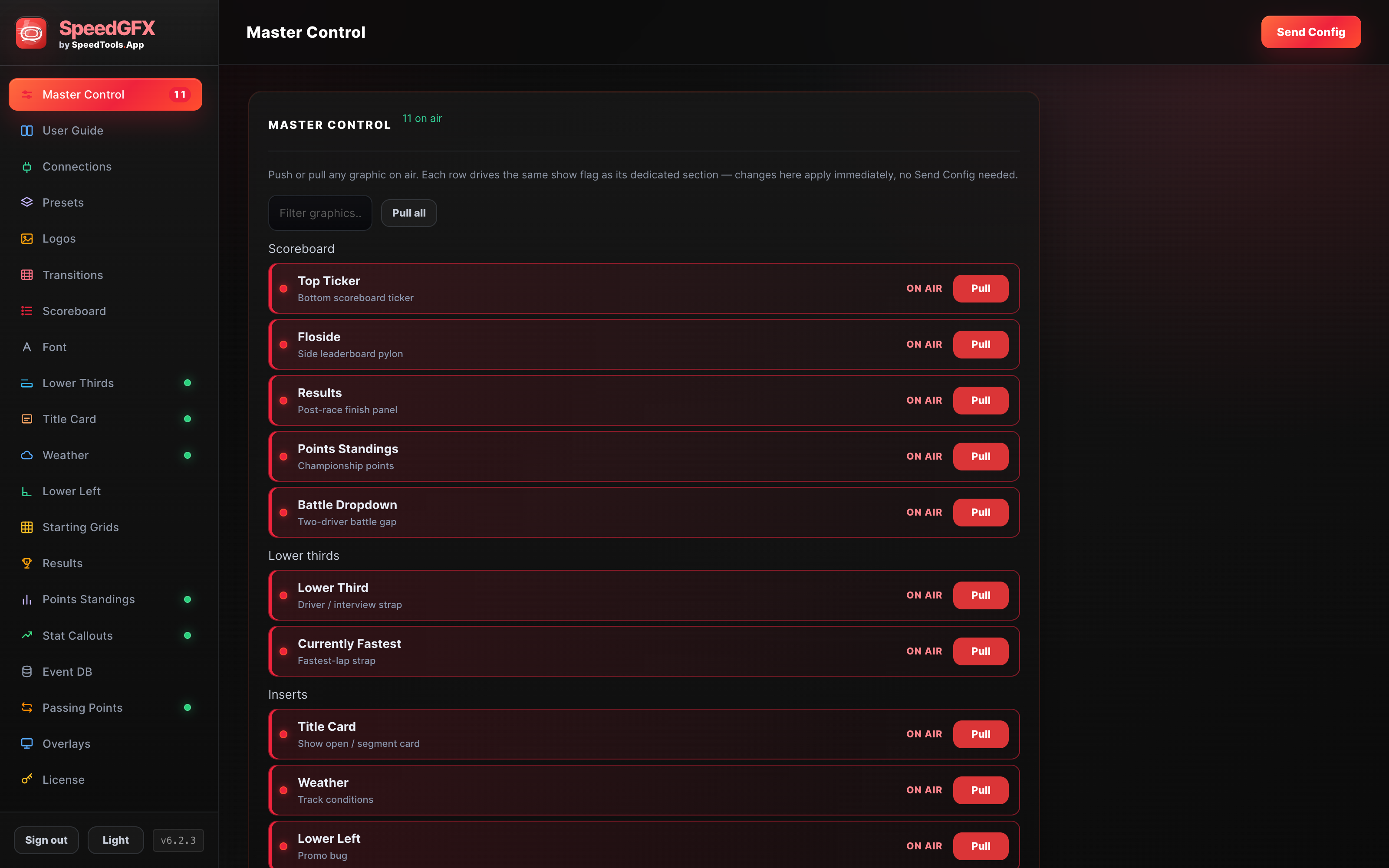
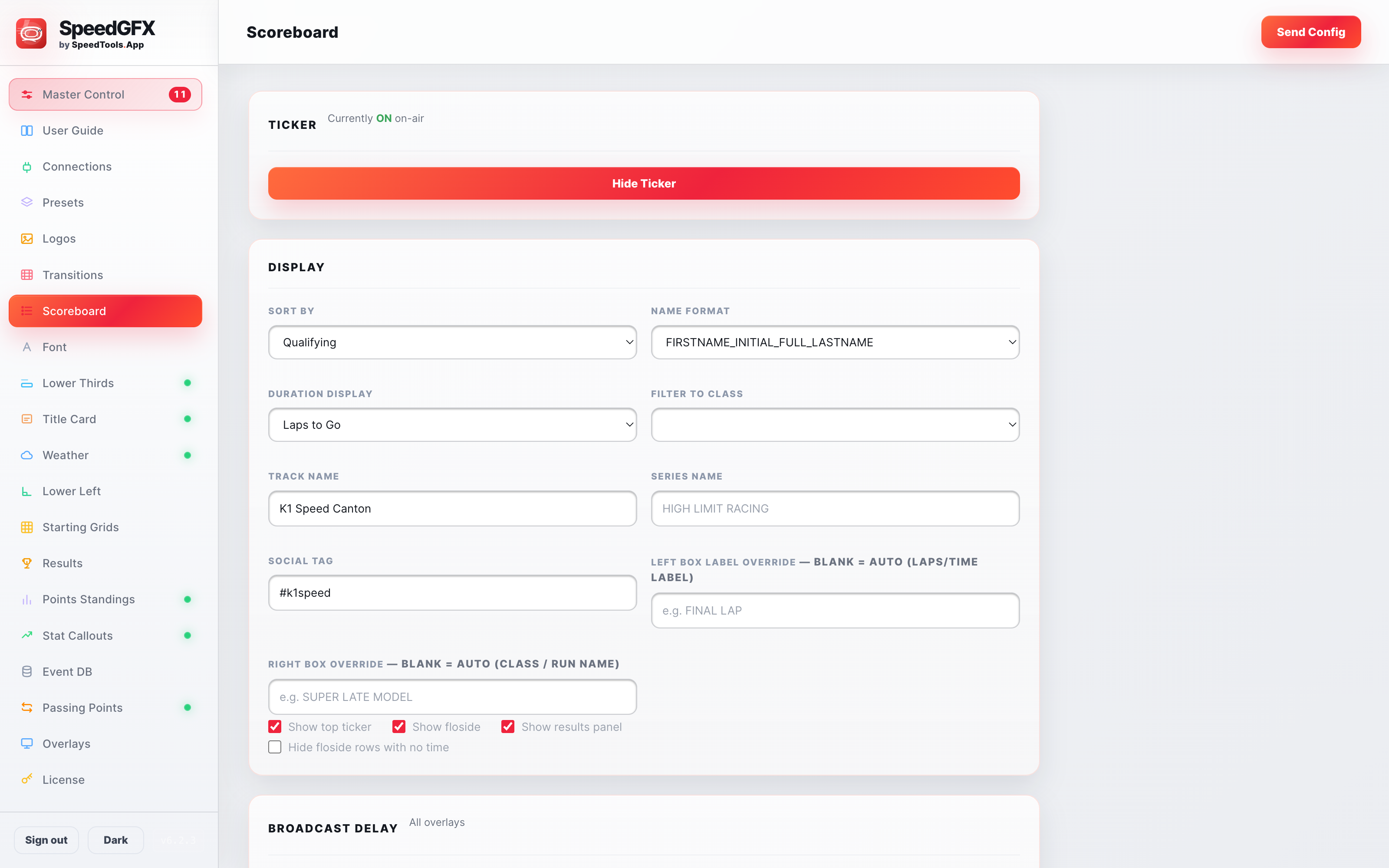
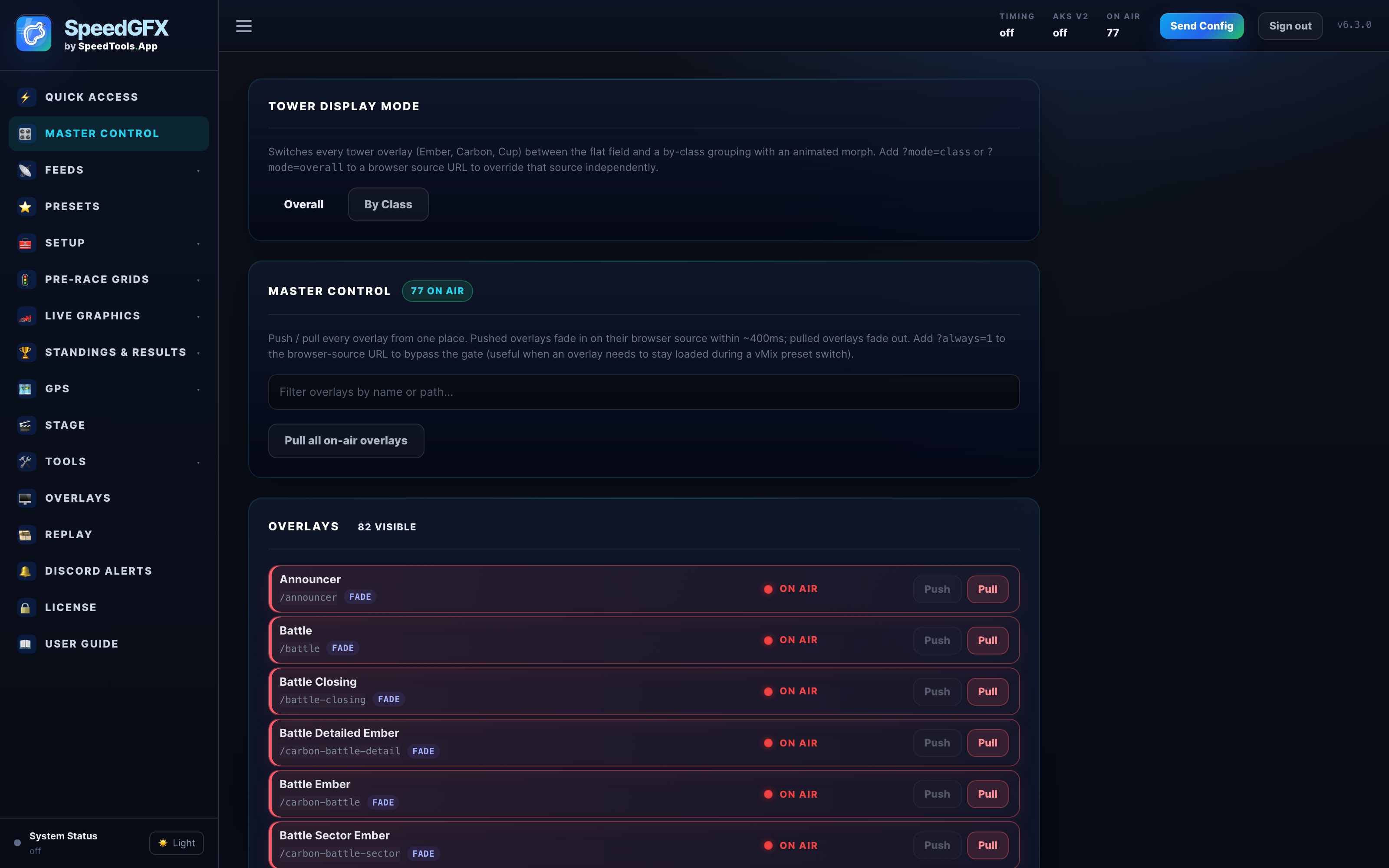
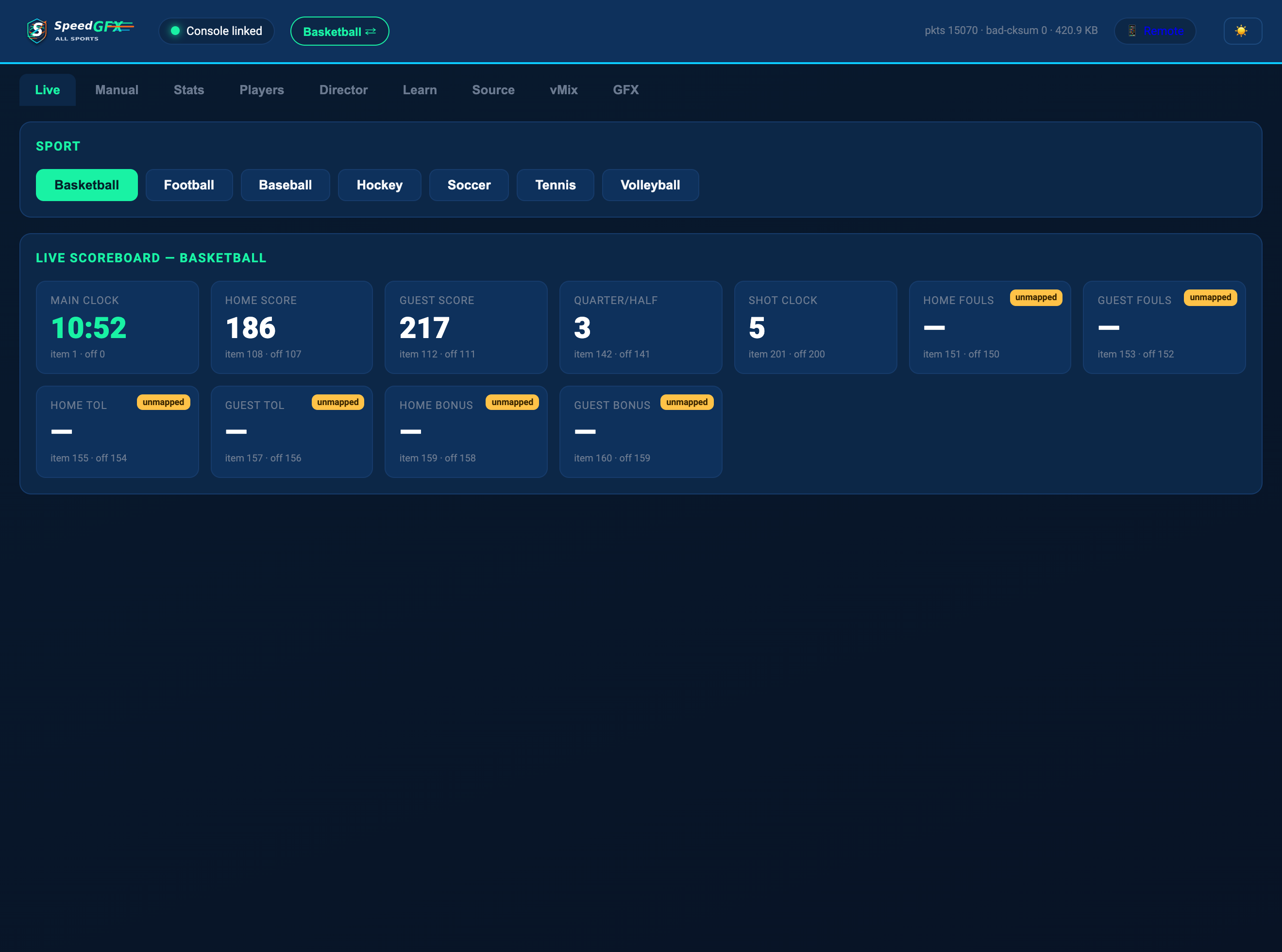
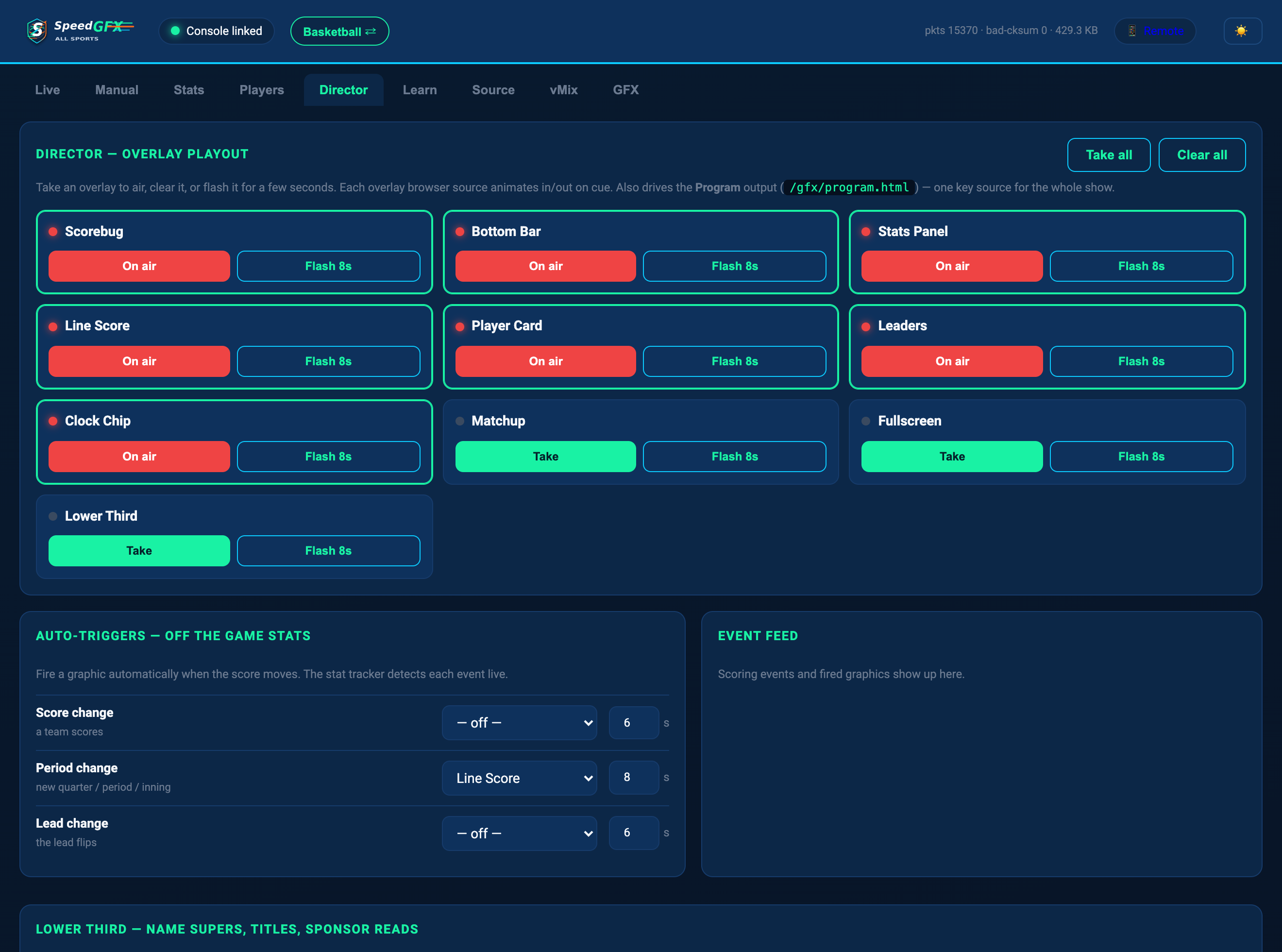
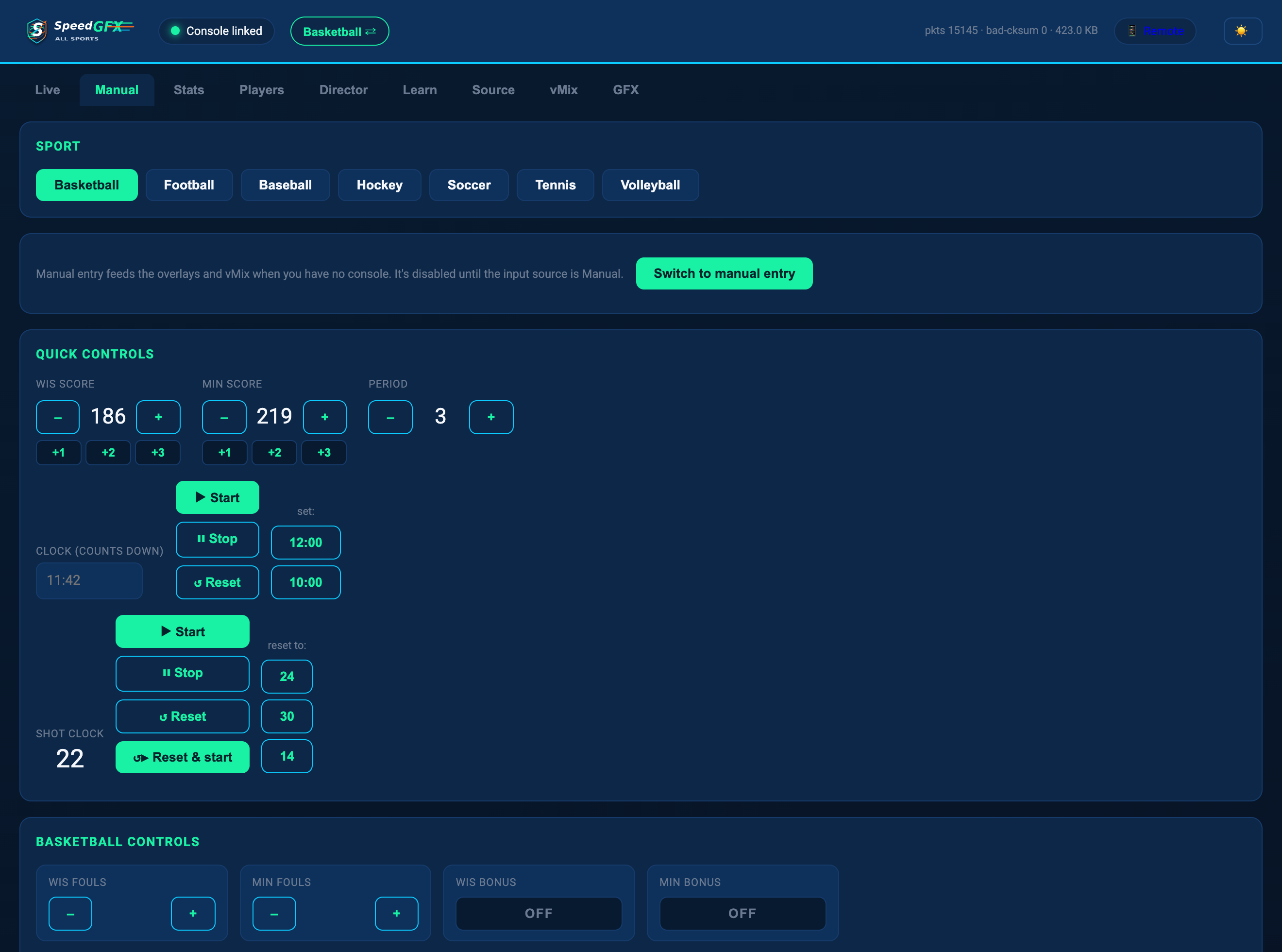
Use presets, logo rotations, show/hide toggles, and licensing controls from one browser-based operator panel.

Packages

Start simple. Upgrade when the show grows.

Choose Basic, Advanced, or Pro based on the overlays and customization your production needs.

Basic

Core timing graphics

Core race-night timing graphics for teams and local productions getting SpeedGFX on air.

  • Top Timing Graphics
  • Side Timing Tower
  • License activation
Compare packages

Pro

Production customization

The full production package for polished broadcasts with deeper customization and sponsor-ready control.

  • Everything in Advanced
  • Custom car-number PNGs
  • Presets and logo rotations
Compare packages

Ready to put it on air?

Tell us your track, timing source, and package.

We’ll help you choose the right setup for your broadcast workflow.

Start an inquiry